A free alternative to the Wingman travel app
Looking for a free alternative to Wingman City Guide? Turn Instagram reels into mapped itineraries without app downloads, logins, or audio tour paywalls.
By The Reel to Trip team
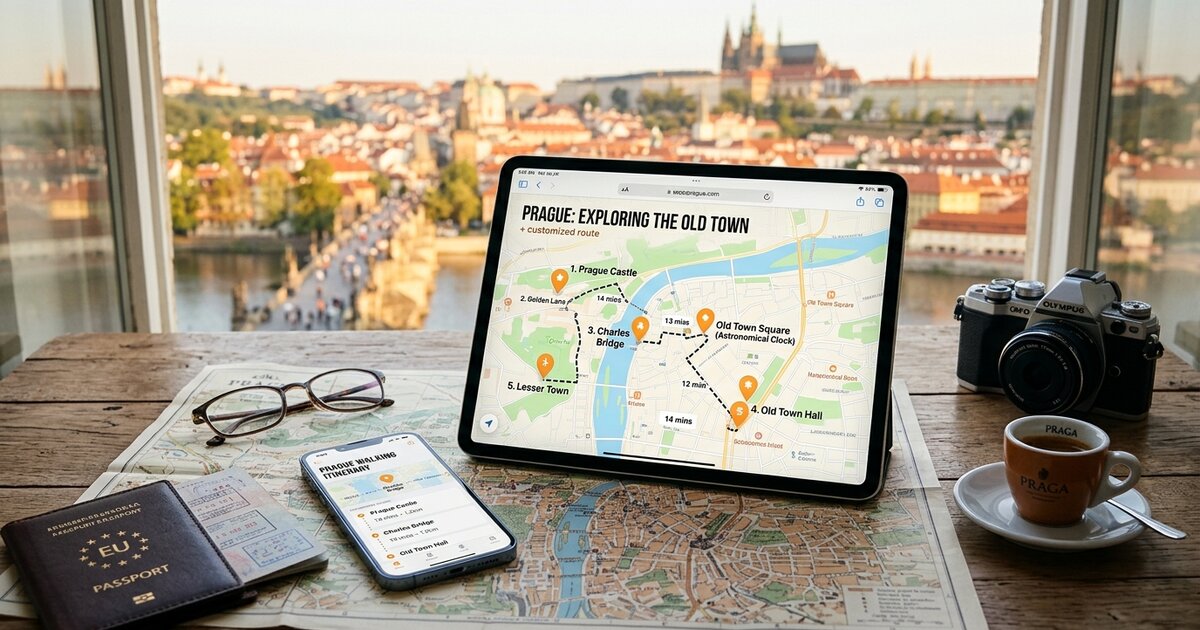
Curating travel inspiration from short-form video has quickly become the standard way to scout secret courtyards, neighborhood bakeries, and panoramic sunset spots. Yet moving from saved video clips to a workable, on-the-ground itinerary remains a logistical headache. Apps like Wingman City Guide (`wman.com`) address this by turning video links from social media into walking city guides accompanied by 650+ self-guided audio tours. While Wingman provides engaging, narrative-driven walking loops for travelers already exploring a city center, it operates as a native mobile application on iOS and Android, requires user account creation, and focuses on single-route walking tours with in-app purchase tiers rather than mapping and pacing a multi-day vacation from dozens of saved clips.
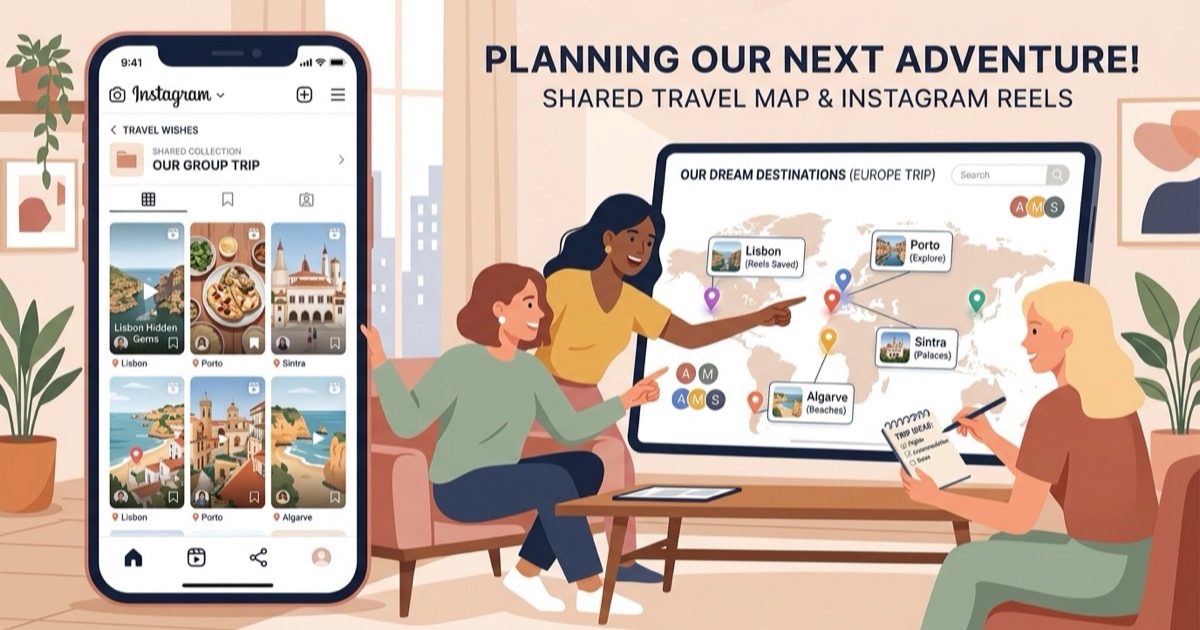
For travelers seeking an open, web-based tool that turns unlimited Instagram travel reels into organized, neighborhood-clustered itineraries with zero app downloads, account logins, or paywalls, Reel to Trip offers a streamlined alternative.
What is Wingman City Guide and how does it work?
Wingman City Guide is a mobile travel application for iOS and Android that converts video links from social media into localized walking routes paired with AI-generated audio guides and neighborhood storytelling. Users paste a link to a travel video into the app, and its algorithms detect featured venues, plot them along a pedestrian path, and generate audio narration for key historical landmarks and attractions.
The app is designed primarily for on-the-ground exploration, functioning like a pocket tour guide once you have already arrived at your destination. In addition to video-based route creation, Wingman provides a catalog of over 650 pre-built audio tours across major travel cities worldwide. However, using Wingman requires downloading the mobile app from the Apple App Store or Google Play Store and signing in with an account. Furthermore, premium audio guides and specialized walking routes are unlocked via in-app purchases or subscription tiers, and the interface is optimized for single-day walking routes rather than multi-day vacation planning across multiple cities or regions.
Why do travelers look for a free alternative to Wingman?
Travelers look for a free alternative to Wingman to avoid mandatory mobile app downloads, bypass account signups, and escape the limitation of single-day audio walking routes. Holidaymakers who save dozens of reels across Instagram want an open browser tool that organizes multi-day travel schedules, balances geographic neighborhoods, and exports clean routes to Google Maps without in-app purchase paywalls.
Key reasons vacationers look for an alternative tool include:
- Browser-native access with zero app downloads: Wingman requires installing native mobile software on iOS or Android, which consumes phone storage and requires app store installations. A web-first alternative runs instantly on any smartphone browser, tablet, or desktop laptop without taking up device space.
- No account creation or profile logins: Saving routes or exploring guides in Wingman requires setting up an account. An open alternative lets you convert reels into a full itinerary immediately without handing over an email address or creating another password.
- Multi-reel trip planning vs single walking loops: Wingman focuses on turning individual videos into immediate walking tours. Real vacation planning involves pooling 15 to 40 reels across dining, museums, scenic vistas, and day trips into a structured, multi-day itinerary.
- Completely free with no audio paywalls or in-app purchases: Wingman monetizes through in-app purchases for specialized audio content and premium tour access. A free alternative focuses 100% on the core logistical challenge of itinerary scheduling and venue mapping without upselling audio tours.
- Direct Google Maps and Apple Maps export: Rather than keeping your route locked inside a proprietary walking app, travelers need direct integration with standard navigation tools for real-time transit directions, offline map downloads, and walking navigation.
How does Reel to Trip compare to Wingman City Guide?
Reel to Trip is a free, web-native trip planner that transforms saved Instagram reels into unified multi-day itineraries with neighborhood clustering, daily pacing, and instant Google Maps export. While Wingman City Guide centers on mobile app audio tours and single-route walking paths, Reel to Trip solves the broader vacation planning challenge by assembling your entire collection of saved reels into an organized, day-by-day travel plan.
With Reel to Trip, you simply paste your Instagram reel links or forward them via direct message. The platform's AI identifies every mentioned restaurant, boutique hotel, and landmark across all your videos, automatically grouping nearby venues into geographic zones. It assigns 3 to 5 balanced stops per day, accounting for venue types and realistic transit times, so you never waste hours traveling back and forth across a city.
To see how different video-to-trip tools and AI travel assistants compare across features and pricing, review our category analysis of tools that turn reels into trips compared. You can also learn how to master social media trip planning in our complete guides to turning Instagram reels into a trip itinerary, turning an Instagram saved folder into a trip itinerary, and converting Instagram direct messages into an itinerary.
Can you export your itinerary from Reel to Trip to Google Maps?
Yes, Reel to Trip allows you to export your completed daily itinerary directly into Google Maps or Apple Maps with one click. Every restaurant, viewpoint, and landmark extracted from your Instagram reels is mapped with verified geographic coordinates, allowing you to navigate seamlessly on mobile devices during your trip.
Exporting your itinerary gives you offline access, saved pins, and live transit directions in the navigation app you already use every day. To learn how to organize custom map layers and offline pins on your smartphone, consult our step-by-step guide on how to export Instagram saved places to Google Maps.
Which tool should you choose for your trip?
Choose Wingman City Guide if you are already walking around a city and want an audio-narrated tour with historical commentary on your phone. Choose Reel to Trip if you have a collection of Instagram travel reels and want a free, browser-native planner that turns them into a mapped, multi-day vacation itinerary with zero app installs or account signups.
You can also explore our detailed comparisons with other social media travel planners, including a free alternative to the Wander travel app, a free alternative to ReelMap, a free alternative to SearchSpot, a free alternative to Tote, a free alternative to Someday, a free alternative to Stardrift, a free alternative to RoamRecs, a free alternative to Turom, a free alternative to Dream Trip, a free alternative to Navia, a free alternative to DocentPro, a free alternative to Glide, a free alternative to Reelstrip, a free alternative to ReelTravel, a free alternative to Stasht, a free alternative to Triply, a free alternative to Plotline, a free alternative to ReelsToMap, and a free alternative to Hold My Pin.