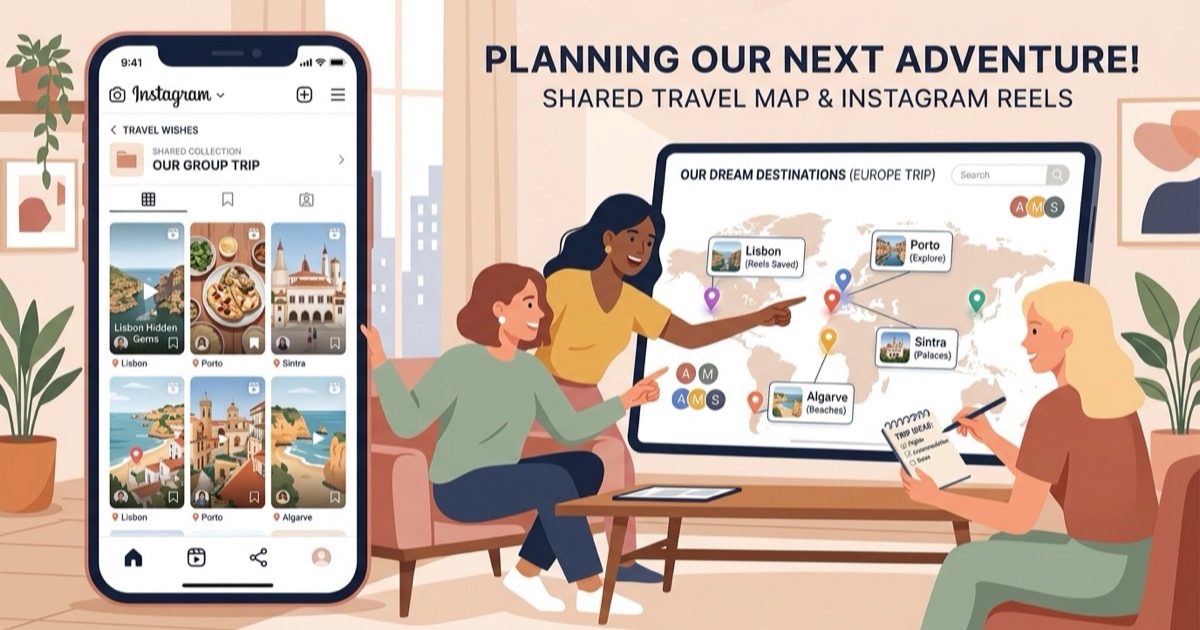
A free alternative to Turom
Looking for a free alternative to Turom? Convert Instagram reels into organized, mapped travel itineraries without app downloads, signups, or paywalls.
By The Reel to Trip team
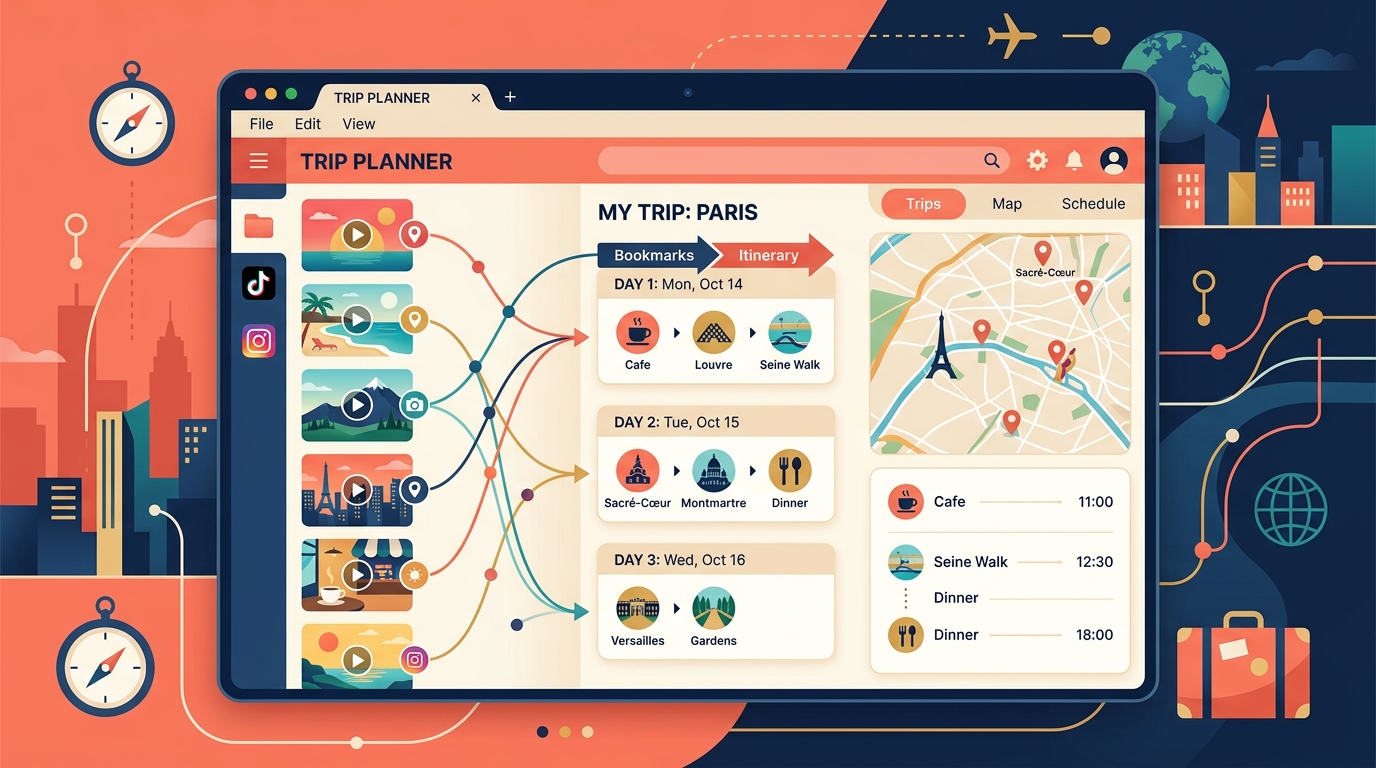
Social media feeds are full of incredible travel discoveries, from hidden rooftop cafes to secluded coastal coves and historic walking trails. Yet converting scattered video saves into a coherent, navigable travel schedule is a major pain point. Apps like Turom (`turom.co`) attempt to address this by turning social video links from Instagram and TikTok into itineraries with live flight tracking and AI travel companion features. However, mandatory mobile app downloads, account signups, and subscription paywalls often push travelers to search for a lightweight, web-first alternative.
If you are looking for a free, browser-based trip planner that turns saved Instagram reels into mapped, day-by-day itineraries with neighborhood clustering and instant Google Maps export, Reel to Trip offers a dedicated, zero-friction alternative.
What is Turom and how does it map travel reels?
Turom (`turom.co`) is an AI-powered mobile travel app designed to turn saved videos from Instagram and TikTok into scheduled travel itineraries, while providing real-time flight alerts and live travel assistance during trips. It processes shared video links to identify locations and arrange them into sequential trip timelines.
To use Turom, travelers must download the mobile application from the Apple App Store or Google Play Store and create an account. The app positions itself as an end-to-end travel companion, combining social bookmark extraction with live disruption monitoring, weather updates, and itinerary re-planning. While these features benefit travelers seeking an all-in-one assistant, those who only want a fast way to map saved reels often find the app heavy, restrictive, and tied to recurring subscription tiers.
Why do travelers look for a free alternative to Turom?
Travelers look for a free alternative to Turom to avoid mandatory mobile app installations, account registration barriers, and subscription paywalls for unlimited trip planning. Many vacationers prefer managing their travel research on desktop browsers and exporting their schedules directly to Google Maps or Apple Maps without locked-in app ecosystems.
Common reasons travelers seek an alternative to Turom include:
- Mandatory mobile app downloads: Turom requires installing an iOS or Android app before you can process a single video. Many travelers prefer organizing multi-day itineraries on laptops or desktop web browsers with wider screens.
- Account registration & onboarding friction: Using Turom requires setting up a profile, logging in, and managing credentials rather than immediately pasting a video link and seeing an interactive map.
- Subscription tiers and import paywalls: Unlocking full planning capabilities and saving unlimited locations across multiple trips often requires paid Pro subscriptions or in-app purchases.
- Feature bloat vs focused reel extraction: If you already manage flights on airline apps and only need to turn saved video reels into an organized day-by-day route, background concierge and disruption tools can feel unnecessarily complex.
How does Reel to Trip compare to Turom?
Reel to Trip is a free, web-native travel planner that converts Instagram reels into complete, day-by-day itineraries with smart neighborhood clustering and one-click Google Maps export. It runs entirely in any desktop or mobile browser without requiring app downloads, accounts, or subscriptions.
Here is how Reel to Trip compares with Turom for turning social video bookmarks into real trips:
- 100% free with no usage caps: Extract locations from as many Instagram reels as you need without hitting monthly caps, token paywalls, or feature tiers.
- Browser-based accessibility on all devices: Build, customize, and view your itinerary on your laptop, tablet, or mobile browser without downloading apps from an app store.
- Smart neighborhood clustering: Automatically groups geographically close spots into morning, afternoon, and evening blocks to minimize transit time and prevent zigzagging across a city.
- Effortless multi-reel trip merging: Paste multiple reel links or DM them to `@reeltripper` on Instagram—all discovered spots merge seamlessly into a unified destination plan.
- Direct Google Maps & Apple Maps export: Export your entire mapped schedule straight to your preferred navigation app for reliable offline directions and walking navigation.
How do you convert saved Instagram reels into an itinerary for free?
To convert saved Instagram reels into an itinerary for free, paste your reel links into Reel to Trip on any web browser or forward them via DM to `@reeltripper`. The engine automatically extracts location coordinates, groups nearby attractions into neighborhood zones, and generates a structured daily schedule ready for Google Maps export.
The web-based planning process takes only a few simple steps:
- Collect your travel reels: Gather the Instagram reels saved in your collections or message threads.
- Automatic AI location extraction: Reel to Trip analyzes visual landmarks, audio, and caption text to identify exact venue coordinates and opening details.
- Organize by neighborhood: Review your clustered attractions on an interactive map and adjust days according to your travel pace.
- Export to your favorite map app: Tap export to send your complete daily route directly to Google Maps or Apple Maps for live navigation.
Which tool fits your travel style?
Choose Turom if you want an all-in-one mobile app that combines social video saves with live flight tracking, weather alerts, and in-app re-planning on iOS or Android. Choose Reel to Trip if you want a fast, free, open-web tool that transforms your saved Instagram reels into clean, walking-friendly itineraries with neighborhood clustering and instant Google Maps export on any device.
For travelers who want to skip app store downloads and subscription paywalls, Reel to Trip provides the fastest path from saved travel inspiration to a real, mapped itinerary.
To explore how other tools in the space compare, check out our comprehensive guide to tools that turn reels into trips compared. You can also browse our guides on a free alternative to RoamRecs, a free alternative to Dream Trip, a free alternative to Navia, a free alternative to DocentPro, a free alternative to Glide, a free alternative to Reelstrip, a free alternative to ReelTravel, a free web alternative to Stasht, a free web alternative to Triply, a free alternative to ReelsToMap, a free web alternative to Plotline, a free alternative to Hold My Pin, how to turn Instagram DMs into a trip itinerary, how to turn an Instagram saved folder into a trip itinerary, or how to export Instagram saved places to Google Maps.