A free alternative to Reelstrip
Looking for a Reelstrip alternative? See how Reel to Trip converts saved Instagram reels into mapped travel itineraries without per-trip fees or limits.
By The Reel to Trip team

Social media travelers frequently save video clips while browsing Instagram, but transforming those reels into a structured vacation schedule often introduces hidden costs. Applications like Reelstrip (`reelstrip.com`) offer AI location extraction from travel videos, but enforce a pay-per-trip model charging $2.99 per generated itinerary alongside credit-based paywalls. For travelers who save dozens of reels per trip, per-generation pricing quickly accumulates costs and restricts experimental trip planning.
Reel to Trip offers browser-native Instagram reel planning with mapped daily itineraries. Free plan: 1 trip, up to 5 reels; unlimited trips and reels: $5 one-time upgrade (no recurring subscription)
What is Reelstrip and why do travelers look for alternatives?
Reelstrip is an AI-powered travel tool that extracts place names from video reels and generates custom maps. Travelers look for alternatives because Reelstrip operates on a pay-per-trip model charging $2.99 per trip generation, imposes credit limits on free tiers, and funnels users into paid checkout flows before viewing complete itineraries.
While Reelstrip extracts coordinates from individual clips across multiple video platforms, its commercial paywall model creates friction for casual travelers and budget-conscious planners. When researching a destination like Italy, Japan, or Portugal, travelers often want to test multiple reel combinations, refine their maps, share itineraries with friends, and export pins to navigation apps without paying per-trip fees or managing token balances.
How does Reel to Trip compare as a free Reelstrip alternative?
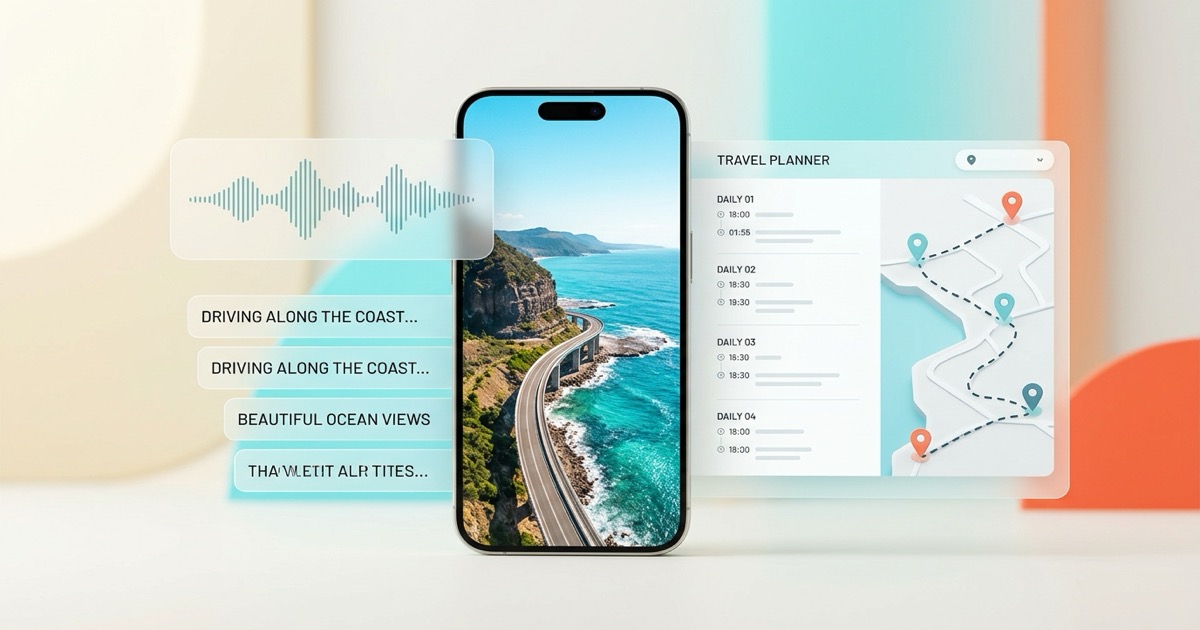
Reel to Trip is a web-native planner that converts Instagram reels into mapped day-by-day itineraries on desktop and mobile browsers, merging places into destination maps and clustering pins by neighborhood. Free plan: 1 trip, up to 5 reels; unlimited trips and reels: $5 one-time upgrade (no recurring subscription)
Here is how Reel to Trip compares directly across key travel planning features:
- Reel to Trip pricing: Free plan: 1 trip, up to 5 reels; unlimited trips and reels: $5 one-time upgrade (no recurring subscription)
- Zero app installation or account friction: Reel to Trip operates in Safari, Chrome, Firefox, or any web browser on iOS, Android, macOS, or Windows without downloading app packages or managing billing accounts.
- Multi-reel destination merging: Rather than treating each video as an isolated transaction, Reel to Trip automatically combines multiple Instagram reels for the same city into one cohesive, neighborhood-clustered itinerary.
- Navigation handoff: Read the Google Maps export walkthrough to understand how the planned stops open in a navigation app.
Which tool is right for your travel planning workflow?
Choose Reelstrip if you frequently parse multi-platform short-form content outside Instagram and do not mind paying a $2.99 per-trip fee for single-video extractions. Choose Reel to Trip if you want browser-based daily itineraries from Instagram reels, with a limited free plan and a one-time upgrade for unlimited imports.
If you require multi-platform video parsing across YouTube Shorts or TikTok and are comfortable paying per itinerary generation, Reelstrip offers pay-as-you-go extraction. But if you want to turn a saved Instagram travel folder into a mapped, neighborhood-clustered itinerary ready to navigate on the ground without per-trip fees, Reel to Trip provides the dedicated mapping and browser-first structure you need.
For a complete overview of all tools in the social travel planning space, read our comprehensive guide on tools that turn reels into trips compared. You can also explore specialized alternatives like our ReelTravel app alternative guide, our Stasht app alternative guide, our Triply app alternative guide, our ReelsToMap alternative guide, our Plotline app alternative guide, our Hold My Pin alternative analysis, or step-by-step instructions on how to export Instagram saved places to Google Maps.