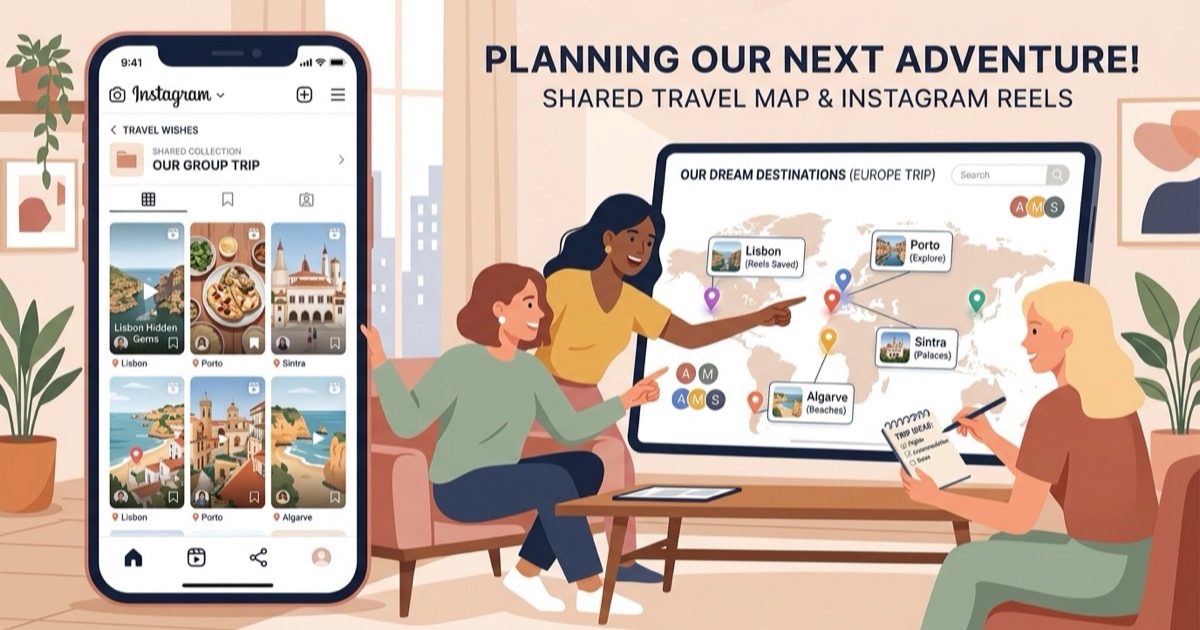
A free alternative to Glide
Looking for a Glide travel app alternative? See how Reel to Trip maps Instagram reels into daily itineraries directly in your browser without app downloads.
By The Reel to Trip team
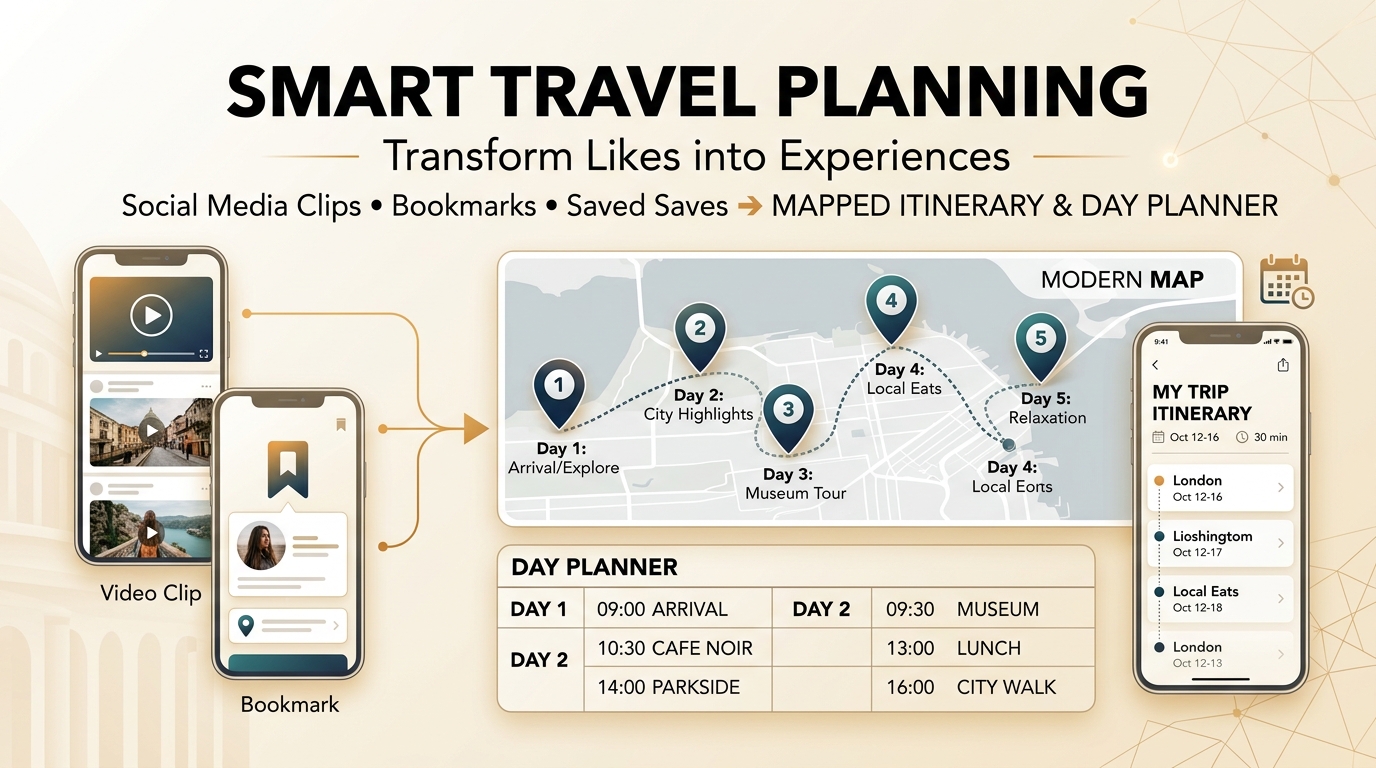
Social media travelers save hundreds of food and travel recommendations while scrolling Instagram, yet organizing those clips into an actionable vacation itinerary often hits friction. Applications like Glide (`justglide.ai`) offer an AI layer designed to convert saved reels and social posts into mapped collections called "vaults." However, Glide requires downloading a dedicated iOS or Android mobile application, mandates mobile app store accounts, and focuses on static list curation rather than open, web-based daily itinerary building. For planners researching trips across laptops, tablets, and phones, mobile app lock-in creates unwanted barriers.
For travelers seeking a free, browser-native alternative to convert saved Instagram reels into mapped, day-by-day travel itineraries on any device without app downloads, Reel to Trip provides a streamlined web solution built for destination planning.
What is Glide and why do travelers look for alternatives?
Glide (`justglide.ai`) is an AI-powered travel app for iOS and Android that extracts locations from saved Instagram reels and TikTok posts to build mapped collections called vaults. Travelers look for alternatives because Glide requires downloading a mobile app store package, demands app accounts, and organizes places into static bookmark vaults rather than generating sequenced, day-by-day itineraries in an open desktop or mobile web browser.
While Glide provides helpful metadata like estimated prices, venue vibes, and menus within its mobile interface, its mobile-first architecture restricts planners who prefer researching on laptop screens or sharing links without forcing travel companions to install native apps. When planning a multi-day journey to cities like Tokyo, Rome, or Barcelona, travelers need geographic clustering and chronological schedules, not just another mobile bookmark folder.
How does Reel to Trip compare as a free Glide alternative?
Reel to Trip is a free, web-native travel planner that turns Instagram reels into mapped, day-by-day trip itineraries with zero app downloads, account barriers, or subscription paywalls. It runs instantly inside any browser, automatically groups extracted pins by neighborhood, and builds balanced daily schedules ready to navigate on the ground.
Here is how Reel to Trip compares directly across essential travel planning capabilities:
- 100% browser-based with zero app downloads: Glide requires installing an iOS or Android app from mobile app stores. Reel to Trip works immediately in Safari, Chrome, Firefox, or Edge on any smartphone, tablet, or desktop computer.
- True day-by-day itinerary generation: While Glide organizes saved spots into static "vaults" and map lists, Reel to Trip automatically sequences locations into logical, neighborhood-clustered daily travel schedules.
- Multi-reel destination merging: Reel to Trip automatically combines separate Instagram reels into a single unified destination map, preventing fragmented single-spot lookup lists.
- Free with no account paywalls or credit limits: Enjoy unlimited reel extractions, itinerary edits, and map exports without managing subscription tiers or in-app token balances.
- Instant Google Maps & Apple Maps export: Push all clustered itinerary coordinates directly into Google Maps or Apple Maps for seamless turn-by-turn navigation during your trip.
Can you plan a trip from Instagram reels without downloading an app?
Yes, you can plan complete travel itineraries from Instagram reels entirely in a web browser without downloading any mobile application. Web-native tools like Reel to Trip let you paste reel URLs or forward them via DM to extract locations, view interactive maps, and organize multi-day schedules across any device.
The web-based workflow eliminates app store friction in three straightforward steps:
- Collect your travel reels: Gather the Instagram reels you have saved in your destination folder or DM them directly to `@reeltripper`.
- Automated location extraction & clustering: The AI parser identifies every restaurant, landmark, cafe, and viewpoint, plotting them on an interactive map and grouping nearby spots into distinct neighborhood zones.
- Generate schedule & export: Assign dates to create a balanced day-by-day itinerary and export your mapped pins directly to Google Maps or Apple Maps.
Which tool is right for your travel planning workflow?
Choose Glide if you prefer a dedicated iOS or Android mobile application to curate social media bookmarks into themed personal collections and venue vaults. Choose Reel to Trip if you want a fast, free, browser-native travel planner that turns multiple Instagram reels into a mapped, day-by-day trip itinerary on any device without downloading an app.
If your goal is bookmarking lifestyle content on your phone, Glide's mobile vaults offer convenient personal archiving. However, when you are ready to turn a saved Instagram folder into a structured, geographically clustered travel plan that you and your travel partners can access anywhere without installing apps, Reel to Trip delivers the browser-first freedom you need.
To explore how different tools approach social travel planning, read our guide to tools that turn reels into trips compared. You can also learn how to turn an Instagram saved folder into a trip itinerary, how to export Instagram saved places to Google Maps, a free alternative to Navia, a free alternative to Reelstrip, a free alternative to ReelTravel, a free web alternative to Stasht, a free web alternative to Triply, a free web alternative to Plotline, a free alternative to ReelsToMap, or a free alternative to Hold My Pin.