A free alternative to Navia
Looking for a free alternative to Navia? Turn Instagram reels into organized, mapped trip itineraries with neighborhood clustering and Google Maps export.
By The Reel to Trip team
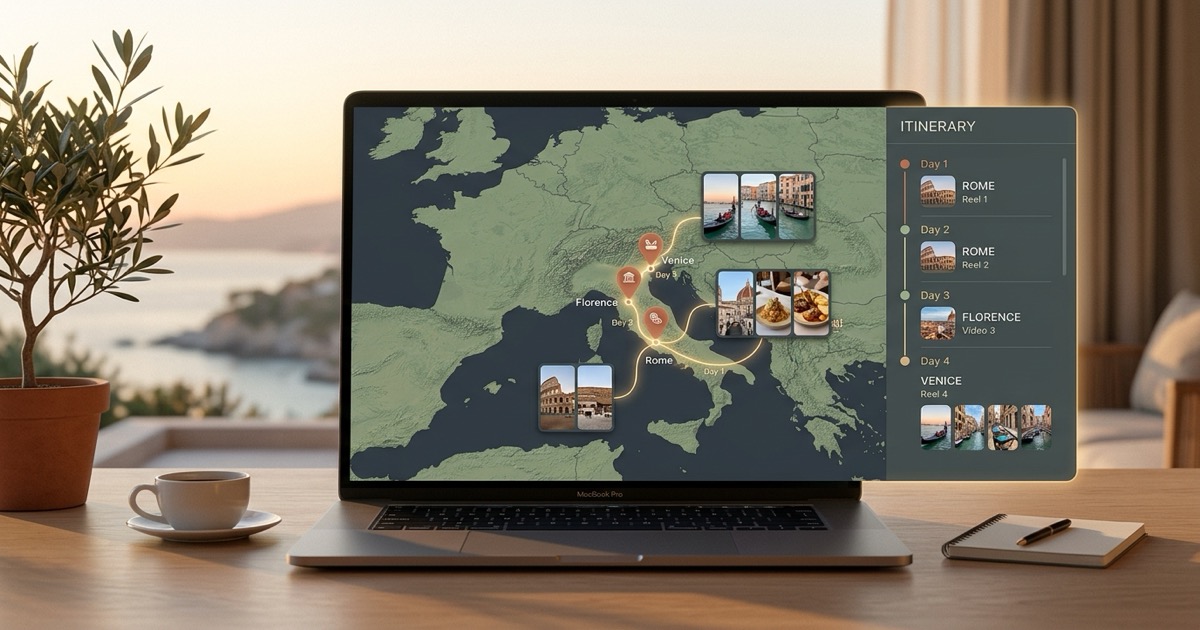
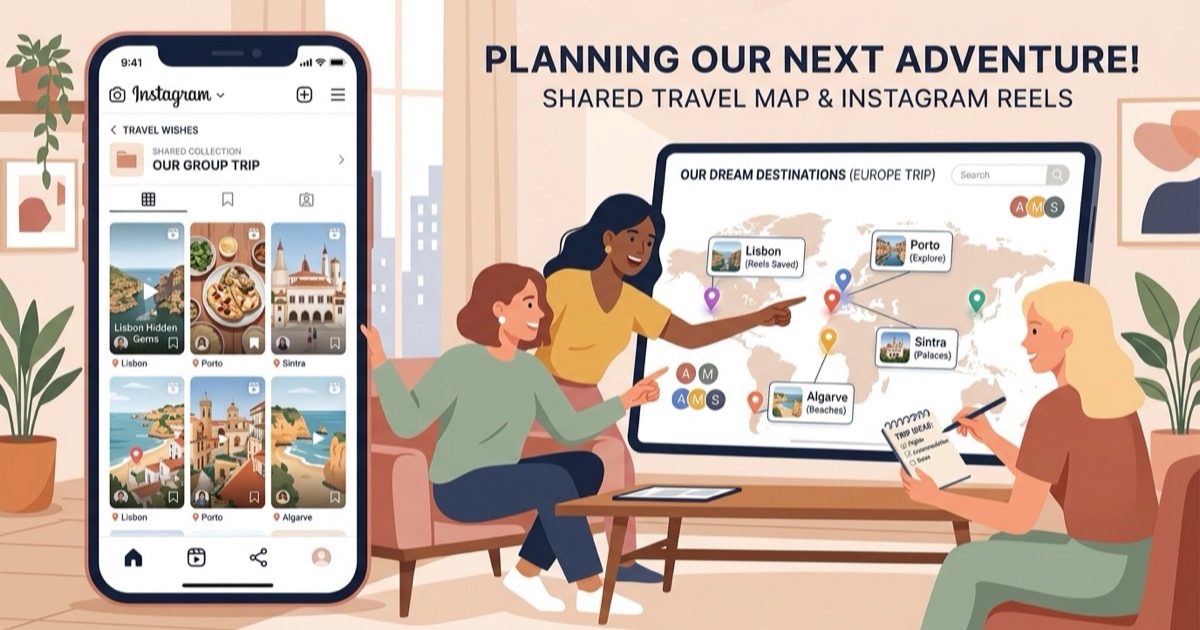
Social media feeds overflow with travel inspiration—hidden coastal coves, tucked-away ramen shops, panoramic city viewpoints, and historic boutique hotels. Yet converting dozens of saved video clips into a coherent vacation schedule is where standard bookmarking tools fall short. Applications like Navia (`navia.place`) aim to bridge this gap by extracting locations, business ratings, and operating details from social media video links into visual map collections. However, building an actual holiday requires more than a pinboard of places; it requires structuring those spots into balanced daily schedules, clustering nearby stops by neighborhood, and navigating them smoothly on foot.
For travelers looking for a free, browser-native alternative that turns saved Instagram reels into complete, day-by-day travel itineraries with neighborhood routing and Google Maps export, Reel to Trip offers a dedicated, zero-friction web solution.
What is Navia and how does it map travel links?
Navia (`navia.place`) is an AI travel organization tool that extracts places from social media video links across platforms like Instagram and TikTok and plots them onto visual map collections. Planners paste video links into the app to identify business names, photos, ratings, and operating hours, creating visual bookmark boards of recommended spots.
The tool focuses on solving the "lost bookmark" problem by giving saved videos spatial representation on an interactive map. While this helps travelers catalog recommendations visually, Navia operates primarily as a place-saving collection tool rather than an automated itinerary generator. It plots pins onto map boards, but it does not assemble those disparate locations into morning, afternoon, and evening timelines or optimize travel routes between distant districts.
Why do travelers look for a Navia alternative?
Travelers search for Navia alternatives because they need a tool that converts scattered reels into actionable, multi-day travel schedules rather than static map boards. Planners also seek browser-based solutions that require no account friction, group nearby venues into walkable neighborhood clusters, and export complete itineraries directly to Google Maps.
Common limitations that prompt travelers to look for alternative tools include:
- Static bookmarking vs. daily pacing: Plotting saved venues onto a pinboard helps you visualize where places are, but it does not tell you which spots to visit on Day 1 versus Day 3. Vacationers need realistic daily schedules that account for opening times and sightseeing tempo.
- Lack of automated neighborhood clustering: When a travel folder holds 25 different recommendations across a metropolitan area, visiting them in random order wastes hours in transit. Dedicated itinerary builders group nearby cafes, museums, and dinner spots into logical walking loops.
- Multi-reel destination merging: Travelers often save dozens of reels over several months for an upcoming trip. Rather than processing links as isolated bookmarks, planners need all saved reels for a city synthesized into one unified master plan.
- Direct export to Google Maps: While in-app maps are useful during the planning phase, travelers on the ground rely on turn-by-turn directions in Google Maps or Apple Maps without toggling between third-party apps.
How does Reel to Trip compare as a free Navia alternative?
Reel to Trip is a free, web-native travel planner that converts Instagram reels into complete, day-by-day itineraries with neighborhood clustering and instant Google Maps export. It requires no app installation, charges no subscription or per-trip fees, and merges dozens of reels into a single optimized travel plan directly inside your browser.
Here is how Reel to Trip compares across core itinerary planning capabilities:
- 100% free with unlimited reel extraction: Reel to Trip gives you full multi-reel destination parsing, schedule generation, and map exporting at zero cost without paywalls or credit meters.
- Automatic multi-reel synthesis: Drop multiple Instagram reels into Reel to Trip or DM them to `@reeltripper`—all extracted venues merge into one unified destination trip rather than disconnected map collections.
- Smart neighborhood clustering: Instead of scattering pins across a wide region, Reel to Trip groups adjacent attractions into morning and afternoon walking zones to minimize cross-city transit.
- Instant browser access on any device: Works seamlessly across desktop laptops, tablets, and mobile browsers without requiring native app store downloads or device permissions.
- One-click Google Maps & Apple Maps export: Push your clustered itinerary straight into Google Maps or Apple Maps for reliable offline-friendly navigation while exploring on foot.
Can you convert saved Instagram reels into a daily itinerary without downloading an app?
Yes, you can convert saved Instagram reels into a full daily itinerary directly in your desktop or mobile browser without installing any app. Web-based planners let you paste reel links or send them via Instagram DMs, automatically extracting locations and generating a scheduled, mapped trip plan in seconds.
The web-first planning process takes just three straightforward steps:
- Share or paste your reel links: Collect the Instagram reels saved in your trip folder or forward them directly to `@reeltripper` on Instagram.
- AI location parsing & route optimization: The parser extracts venue names, coordinates, and categories, automatically clustering nearby spots into practical neighborhood zones.
- Set travel dates & export: Choose your vacation length to generate a balanced day-by-day itinerary and export every pin directly to Google Maps or Apple Maps.
Which tool fits your travel planning style?
Choose Navia if your main objective is maintaining a visual bookmark board of individual venues saved from TikTok and Instagram across different cities. Choose Reel to Trip if you want a fast, free, browser-native planner that transforms multiple Instagram reels into a structured, day-by-day travel itinerary with neighborhood routes and Google Maps export.
If you simply want to browse saved social media pins on a map without scheduling your days, Navia provides a clean visual bookmarking interface. But if you have a specific destination in mind and need your saved Instagram reels organized into an actionable, hour-by-hour itinerary that eliminates backtracking, Reel to Trip gives you the structure and navigation tools you need.
To see how other tools in the space compare, explore our complete guide to tools that turn reels into trips compared. You can also read our guides on a free alternative to Dream Trip, a free alternative to DocentPro, a free alternative to Glide, a free alternative to Reelstrip, a free alternative to ReelTravel, a free web alternative to Stasht, a free web alternative to Triply, a free alternative to ReelsToMap, a free web alternative to Plotline, a free alternative to Hold My Pin, how to turn Instagram DMs into a trip itinerary, how to turn an Instagram saved folder into a trip itinerary, or how to export Instagram saved places to Google Maps.