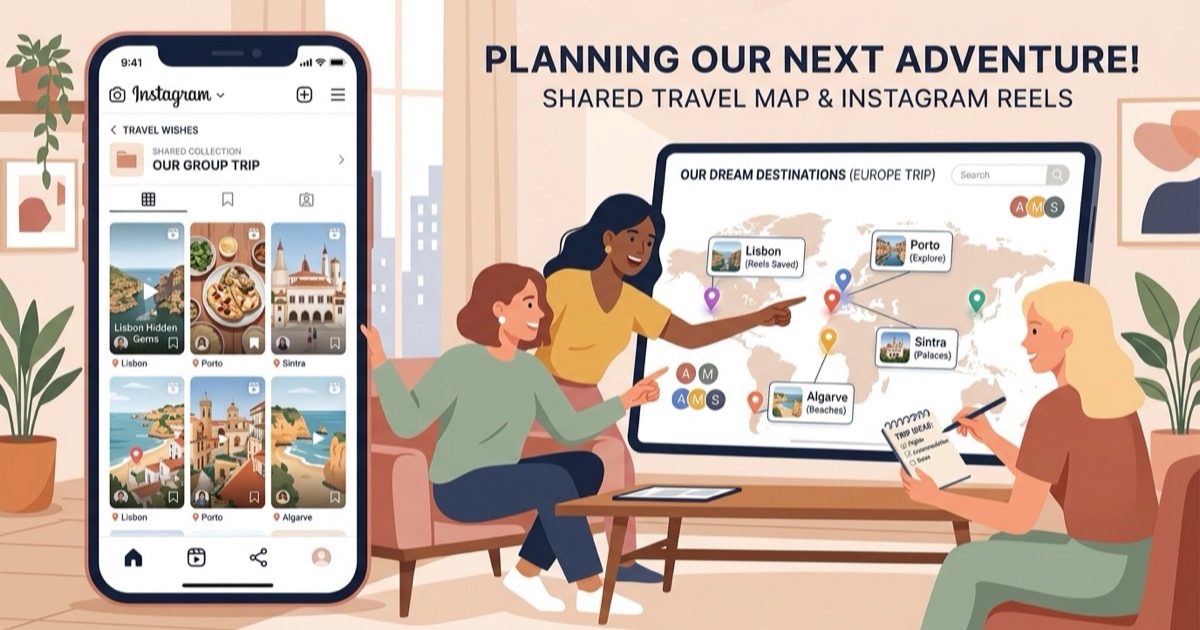
A free alternative to Dream Trip
Looking for a free alternative to Dream Trip? Convert Instagram reels into organized, mapped trip itineraries with neighborhood clustering and Maps export.
By The Reel to Trip team
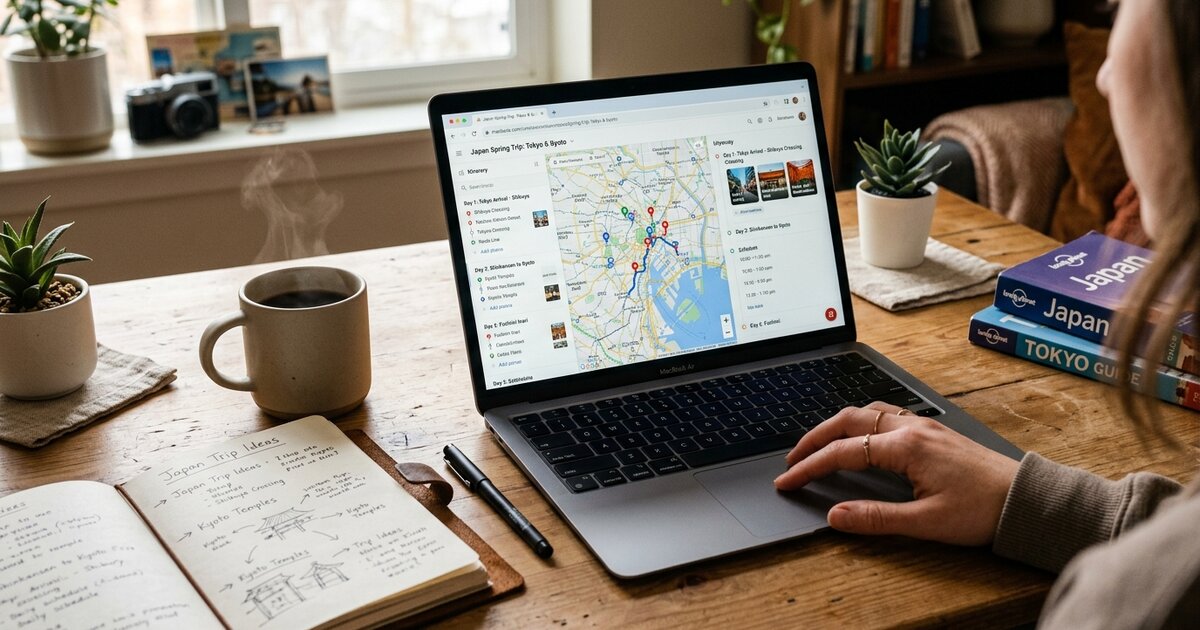
Travel inspiration on social media moves faster than traditional travel guides. A single afternoon of scrolling can surface cliffside trattorias, historic alleyways, secret viewpoints, and boutique neighborhood bakeries. But turning those saved video bookmarks into an executable holiday plan is where travelers hit friction. Tools like the Dream Trip app (`thedreamtrip.app`) attempt to solve this by extracting places from shared social links into 3D maps and auto-generated daily schedules. Yet app installation requirements, feature paywalls, and device limitations often lead vacationers to seek simpler, browser-first alternatives.
If you want a free, open-web tool that transforms saved Instagram reels into structured multi-day itineraries with neighborhood clustering and one-click Google Maps export, Reel to Trip delivers a lightweight, zero-cost alternative.
What is Dream Trip and how does it map travel videos?
Dream Trip (`thedreamtrip.app`) is an AI-powered travel planning mobile app that extracts location data, venue details, and opening hours from social video links shared from Instagram and TikTok. It organizes extracted spots onto an interactive 3D map and uses automated scheduling algorithms to arrange them into daily travel plans.
The application relies on mobile share extensions, allowing users to send clips directly from their social feeds into the app. Once imported, Dream Trip attempts to construct walking paths and group activities by proximity. However, accessing its full suite of automated trip generation and managing unlimited locations requires downloading a dedicated mobile app and upgrading to a paid "Pro" subscription tier.
Why do travelers look for a Dream Trip alternative?
Travelers search for Dream Trip alternatives to avoid mandatory app downloads, monthly subscription paywalls for unlimited trip building, and closed ecosystem restrictions. Many planners prefer managing travel research on desktop screens and exporting full itineraries directly into standard navigation apps like Google Maps.
Key considerations that cause travelers to explore other options include:
- Subscription paywalls and spot limits: Dream Trip gates unlimited spots, multi-city trips, and full AI planning features behind a paid Pro plan. Budget-conscious travelers need free tools that do not cap how many reels they can process.
- Mandatory mobile app installation: Planning a multi-week vacation on a small smartphone screen can be frustrating. Many travelers prefer researching and organizing trips on desktop web browsers with expansive screen space.
- Direct Google Maps & Apple Maps integration: Proprietary in-app maps can be difficult to use when navigating unfamiliar streets on foot. Exporting an itinerary directly into native GPS apps ensures smooth, battery-friendly offline directions.
- Fast multi-reel destination aggregation: When saving reels over several weeks, vacationers need an engine that automatically combines disparate clips into one coherent destination master schedule without manual reorganization.
How does Reel to Trip compare as a free Dream Trip alternative?
Reel to Trip is a 100% free, web-native travel planner that converts Instagram reels into complete, day-by-day itineraries with smart neighborhood clustering and instant Google Maps export. It works on any desktop or mobile browser without requiring app store installations, subscriptions, or credit card details.
Here is how Reel to Trip compares across core planning features:
- Completely free with no usage caps: Extract locations from as many Instagram reels as you need without encountering monthly limits, paywalls, or token meters.
- Browser-based accessibility on all devices: Build and edit your itinerary seamlessly on your laptop, tablet, or smartphone browser without installing third-party apps.
- Automated neighborhood clustering: Reel to Trip groups geographically adjacent spots into morning, afternoon, and evening blocks so you spend your time exploring rather than backtracking across the city.
- Multi-reel trip merging: Paste multiple reel links or forward them via DM to `@reeltripper`—all identified venues merge cleanly into a single unified destination itinerary.
- One-click map export: Seamlessly transfer your entire scheduled plan into Google Maps or Apple Maps for turn-by-turn walking and driving navigation on your trip.
Can you turn saved Instagram reels into a full itinerary without an app?
Yes, you can turn saved Instagram reels into a full multi-day travel itinerary directly inside your web browser without downloading any mobile app. Modern web parsers extract venue names, operating constraints, and geographic coordinates from reel URLs in seconds, grouping nearby attractions into balanced daily schedules.
The web-based planning workflow follows three simple steps:
- Collect your reel links: Gather the Instagram reels saved in your travel folders or DM them directly to `@reeltripper` on Instagram.
- Automatic venue parsing & clustering: The engine extracts locations, identifies opening hours, and clusters nearby venues into logical neighborhood zones.
- Set trip duration & export: Specify your travel dates to generate an optimized daily schedule and export your complete route to Google Maps or Apple Maps.
Which tool fits your travel planning workflow?
Choose Dream Trip if you primarily plan trips on an iPhone, value 3D visualization, and don't mind paying a monthly subscription for unlimited travel spots. Choose Reel to Trip if you want a fast, free, browser-based tool that instantly turns your Instagram reels into actionable daily itineraries with neighborhood grouping and native map export.
For travelers with a backlog of saved travel reels who want an organized, walking-friendly schedule without paying app subscription fees, Reel to Trip provides an open, streamlined planning experience on any screen.
To explore how other tools in the space compare, check out our comprehensive guide to tools that turn reels into trips compared. You can also browse our guides on a free alternative to Turom, a free alternative to Navia, a free alternative to DocentPro, a free alternative to Glide, a free alternative to Reelstrip, a free alternative to ReelTravel, a free web alternative to Stasht, a free web alternative to Triply, a free alternative to ReelsToMap, a free web alternative to Plotline, a free alternative to Hold My Pin, how to turn Instagram DMs into a trip itinerary, how to turn an Instagram saved folder into a trip itinerary, or how to export Instagram saved places to Google Maps.