How to turn an Instagram saved folder into a trip itinerary
Learn how to turn your saved Instagram reels folder into a mapped, day-by-day travel itinerary using free web tools without copying addresses manually.
By The Reel to Trip team
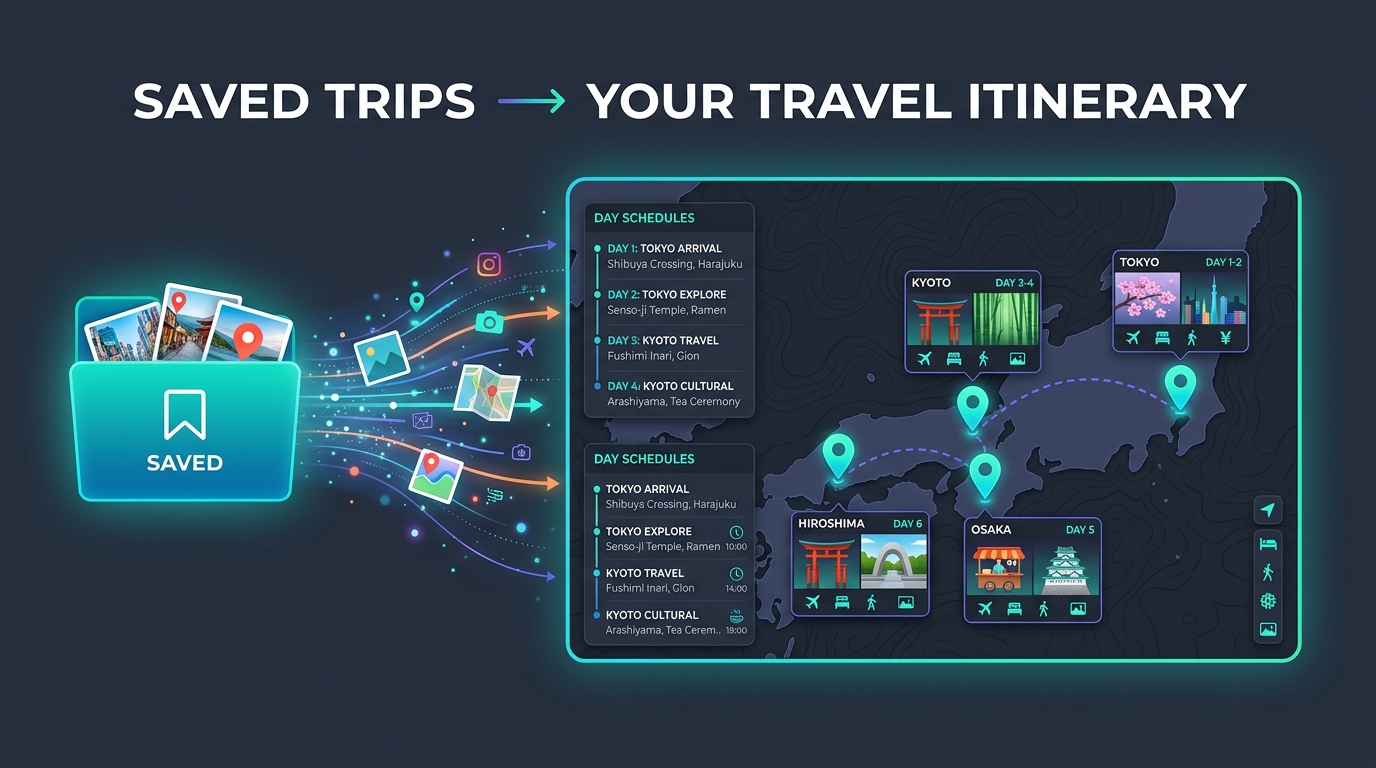
Travelers frequently save dozens of reels into destination-specific Instagram Collections, like "Tokyo Food" or "Amalfi Coast Stay". However, native Instagram folders act as static video feeds without map pins, geographic distance tracking, or day-by-day scheduling. Turning an Instagram saved folder into an actionable travel itinerary requires converting video recommendations into mapped places.
Why native Instagram saved folders fail at trip planning
Instagram saved folders store videos in a vertical scrollable list, omitting interactive map views, geographic distance calculations, and daily scheduling features. While Instagram Collections help group saved posts by destination, turning those videos into a usable trip requires manually extracting location names or using an automated link parser tool.
When you browse a saved folder in Instagram, recommendations remain trapped as separate short-form videos. A saved collection might hold fifteen cafes and scenic viewpoints, but Instagram cannot tell you which venues are within walking distance or how to order them chronologically. To build a functional schedule, travelers traditionally had to copy location names into notes or separate map apps. Read our guide on how to organize saved Instagram reels for travel for strategies on structuring your collections inside the app.
How do you extract locations from an entire saved folder?
You can extract locations from an entire saved Instagram folder by copying the Reel links from your Collection into a free web tool like Reel to Trip or using share sheet extensions in mobile apps. The parser analyzes caption text, geotags, and visual landmarks across your saved posts, instantly placing every spot onto a shared interactive map.
Automated extraction replaces hours of manual Google searching. Instead of opening each saved reel individually to decipher place names, link parsing tools identify mentioned restaurants, hotels, and viewpoints automatically. The extracted places are deduplicated and pinned onto a clean map canvas, giving you a full visual overview of your saved folder recommendations. If you prefer using standalone mapping software, learn how to export Instagram saved places to Google Maps for offline navigation.
How to group saved folder places into a day-by-day itinerary
To group saved folder locations into a day-by-day itinerary, cluster your mapped pins by neighborhood proximity and assign 3 to 5 places per day based on operating hours. Grouping spots by geographic zone eliminates back-and-forth travel across the city and transforms unorganized video saves into a realistic daily travel schedule.
Once your saved folder recommendations appear on a map, structure your trip using a 4-step workflow: filter pins by city zone, set daily anchor attractions, fill secondary spots nearby, and check venue operating hours. For a detailed walkthrough on setting up multi-day travel schedules from saved videos, see our complete guide on turning Instagram reels into a trip itinerary.
Can you export your saved folder itinerary to offline maps?
Yes, after converting your saved Instagram folder into a mapped itinerary, you can export the location pins directly to Google Maps or Apple Maps for offline navigation. Web tools generate interactive map links and downloadable files that preserve your daily itinerary route on mobile devices without requiring cellular data.
Exporting your parsed itinerary ensures seamless navigation on the ground. You can open your customized day schedules in Google Maps with a single tap, getting walking directions, transit times, and saved pins ready while traveling. To compare different web apps and mobile tools available for converting travel reels into maps, read our full roundup of tools that turn reels into trips compared.