How to organize saved Instagram reels for travel
Instagram Collections get you halfway. Here's how to organize your saved travel reels so the places inside them actually become a trip.
By The Reel to Trip team
If you save travel reels, you already have the problem: a bookmark folder with a few hundred videos in it, sorted by nothing, and a nagging sense that a whole trip is buried somewhere inside. Tidying it feels overdue. The catch is that "organized" means something different for travel reels than for any other kind of save, and Instagram only solves the easy half.
How do you organize saved Instagram reels?
Start with Instagram's built-in Collections. Long-press the bookmark icon under any reel and file it into a named collection, or make a new one on the spot; your saves live under Profile → the menu → Saved. Collections turn one endless list into a few labelled shelves, and that is the fastest win. For most non-travel saves it is the whole job. For travel it gets you about halfway, because the places you actually want are still locked inside the videos.
Make a collection per destination, not one giant "Travel"
The single most useful habit is granularity. A "Travel" collection with 200 reels in it is barely better than no collection at all. Sort by where instead: a Lisbon shelf, a Japan shelf, a loose "someday" shelf. Then, the moment you're actually planning a trip, you open one collection and everything in it is relevant. Re-file as you go; it costs seconds at save time and saves you an evening later.
What Collections still can't do
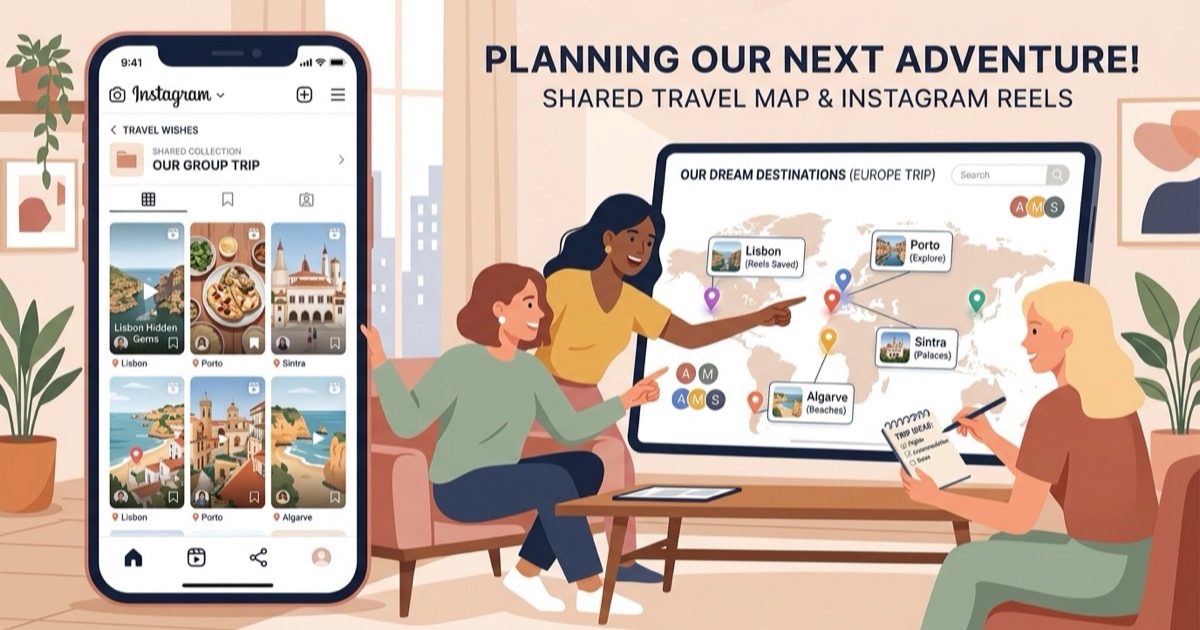
Collections organize the videos. They don't organize the places inside the videos, and the places are what a trip actually runs on. A tidy Lisbon collection still can't show you the twelve spots those reels mention on one map, can't tell you the bakery from reel three and the viewpoint from reel nine are a five-minute walk apart, and can't turn any of it into days. You're left re-watching everything with a notes app open, which is the exact chore that keeps saved folders theoretical.
- No map. The places stay trapped as video, never becoming pins you can see side by side.
- No dedupe. The same rooftop bar turns up in six reels, and Collections keep all six, uncounted.
- No sequence. A shelf of reels never rearranges itself into a Tuesday and a Wednesday.
Can you organize the actual places inside saved reels?
Yes, but not inside Instagram. The place data — the names, the addresses, the coordinates — has to be pulled out of the video first, and Instagram gives you no tool for that. You can do it by hand, which is fine for one video and miserable for forty (here's the manual method for a single reel). Or you hand the reels to something that reads them and maps the places for you, which is the whole job Reel to Trip exists to do.
A system that keeps saved reels usable
- Save into a per-destination collection, every time. Long-press the bookmark, pick the city. Two seconds now, and the folder stays sorted instead of turning back into a pile.
- When a collection gets serious, turn it into a trip. Once a destination has collected more than a handful of reels, convert it: learn how to turn an Instagram saved folder into a trip itinerary to pull the places out onto a map so you can finally see the shape of what you saved.
- Plan from the map, not the folder. Add dates, group the nearby places into days, and let the outliers wait for next time. The reels already did the research; this part is just reading it back.
Organizing saved reels isn't really a tidiness problem, it's a translation problem: turning a stack of videos into a set of places you can act on. Collections get the videos in order. The trip is what happens when the places do too.