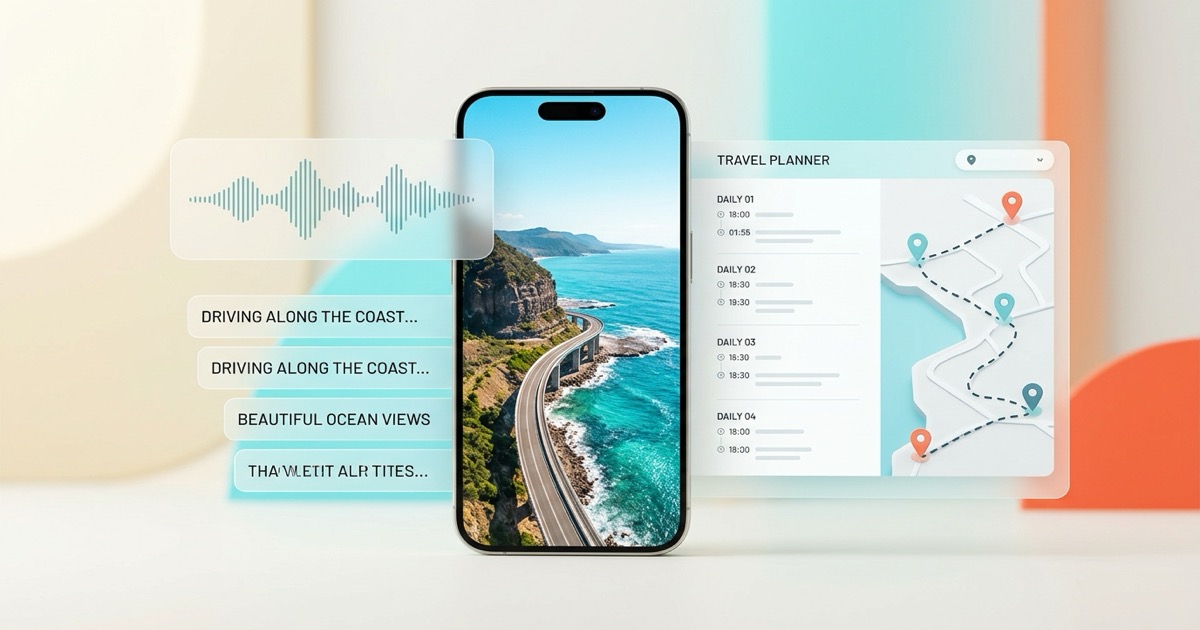
A free alternative to Roveo (roveotrip.com)
Compare Roveo with Reel to Trip: skip mandatory app downloads, concierge sales, and trapped routes for free, instant Instagram reel itinerary maps.
By The Reel to Trip team
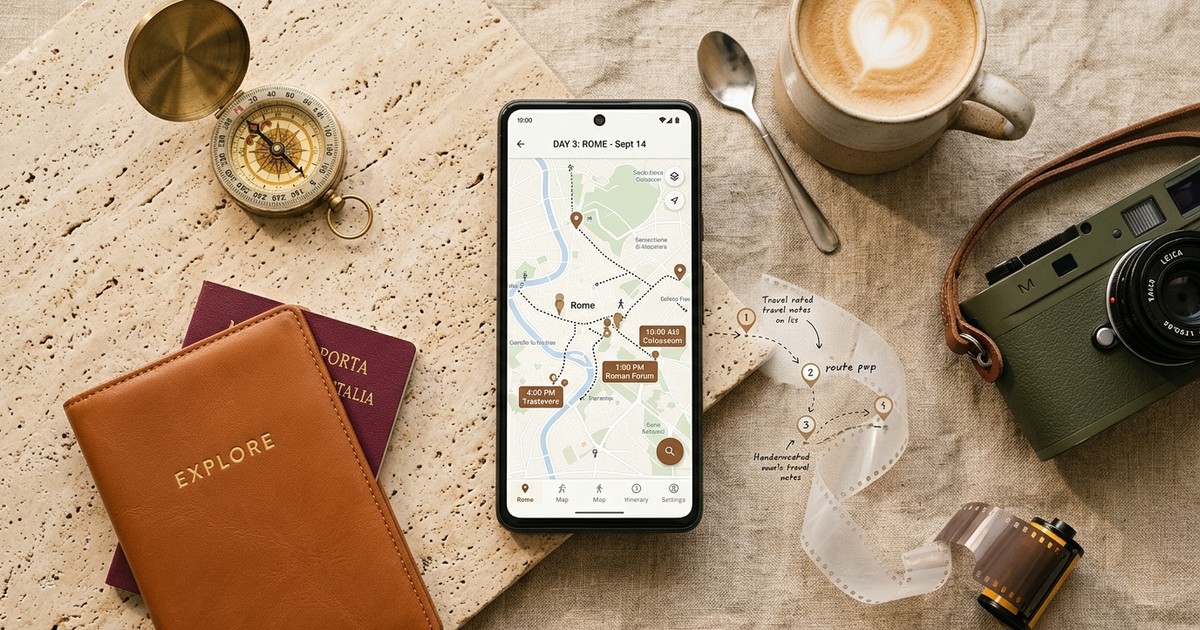
The journey from discovering an inspiring travel reel on Instagram to actually wandering those streets in person often hits a wall during the planning phase. Tapping 'Save' on a video of a hidden pasta laboratory in Rome's Trastevere, a scenic tram viewpoint in Lisbon's Alfama, or a tranquil teahouse tucked in Kyoto's Gion district is effortless, yet transforming dozens of disconnected clips into a cohesive daily schedule is notoriously frustrating. Mobile applications like Roveo have tackled this problem by introducing an AI-powered platform designed to turn travel videos into organized itineraries and destination stamps. However, Roveo is engineered around an intensive mobile booking experience—pairing its AI assistant, Rio, with human concierge managers and embedded flight, train, and hotel fare comparison engines. For travelers seeking a streamlined, browser-native itinerary mapper that consolidates saved Instagram reels into walkable neighborhood days with instant Google Maps navigation, modern web alternatives provide a refreshingly direct, booking-neutral solution.
What is Roveo?
Roveo (roveotrip.com) is an AI-powered travel planning mobile app available for iOS and Android that converts shared social media travel videos into mapped destination stamps and daily itineraries. It combines an automated AI assistant called Rio with a real human concierge service and integrated fare search engines for flights, hotels, and intercity transit.
Inside the application, users can send travel clips directly from their phone's share sheet into a personal 'travel library' where Roveo extracts place names, addresses, and geographic coordinates. From there, Rio drafts structured travel schedules that can be adjusted based on trip duration and traveler preferences. In addition to itinerary drafting, Roveo differentiates itself by providing an on-demand human concierge team to help manage flight disruptions or itinerary tweaks, while also presenting live price comparisons across airlines, rail operators, and hotel providers. While appealing for travelers who desire an all-in-one booking concierge, Roveo requires mobile app downloads, account registration, and keeps routes largely confined within its proprietary application interface.
Why do travelers seek an alternative to Roveo?
Travelers seek an alternative to Roveo because its human concierge and booking comparison features add sales pressure and complexity when they simply want to map saved social clips. In addition, Roveo requires mobile app downloads, mandates account registration, and traps mapped spots inside a proprietary interface rather than exporting directly to Google Maps.
While an integrated concierge and rate comparison model appeals to full-service vacationers, several distinct bottlenecks emerge for travelers organizing independent trips from social media:
- Mandatory app downloads and account registration walls: Roveo operates exclusively as a mobile application on the Apple App Store and Google Play Store, requiring account creation before you can begin assembling trip ideas. If you are researching travel destinations on a laptop or want to quickly test a batch of saved reels without installing another app, this creates unnecessary friction.
- Commercial concierge and booking funnel pressure: Roveo pairs automated AI itineraries with real human travel coordinators and live rate comparisons for flights, trains, and hotels. While framed as convenience, this structure inevitably steers travelers toward commercial booking transactions rather than remaining a neutral, distraction-free planning canvas.
- Proprietary app navigation vs. native Google Maps export: Generated schedules and mapped spots in Roveo remain locked inside its custom mobile app viewer. Once you arrive at your destination, navigating unfamiliar city streets requires the offline reliability, transit layers, and walking directions of Google Maps. Roveo lacks a direct 1-tap export that converts your clustered reel locations into live Google Maps walking routes.
- Individual video stamps vs. automated multi-reel folder merging: Roveo saves incoming video recommendations as individual destination stamps or entries in a travel library. Reel to Trip, by comparison, is built around a folder-first architecture: drop in twenty reels from a single destination, and the system automatically de-duplicates venues and merges them into a unified multi-day vacation plan.
- Transparent free web access vs. commercial app models: Full-service concierge apps and multi-provider booking hubs frequently introduce subscription paywalls, commission-based recommendations, or tiered service caps. Reel to Trip provides a transparent model: Free plan: 1 trip, up to 5 reels; unlimited trips and reels: $5 one-time upgrade (no recurring subscription), with no booking bias.
How do Roveo and Reel to Trip compare?
Roveo is a mobile-first booking concierge app that pairs an AI assistant with human trip managers and transit fare search to guide travelers toward booked reservations, whereas Reel to Trip is a focused, browser-native itinerary mapper that converts Instagram reels into neighborhood-clustered walking days with direct Google Maps export.
Here is how the two platforms compare across key functionality:
- Core product philosophy: Roveo acts as an all-in-one travel agency assistant, combining video parsing with live flight and hotel booking engines and human concierge support. Reel to Trip is a dedicated planning utility that turns saved Instagram reels into organized, walkable itineraries without selling travel inventory.
- Platform accessibility: Roveo requires downloading native mobile apps from iOS or Android stores and creating a registered user profile. Reel to Trip runs instantly in any web browser on desktop, tablet, or smartphone with zero installation and no mandatory accounts.
- Instagram reel processing: Roveo accepts shared videos into a personal travel library as destination stamps. Reel to Trip allows you to paste public Instagram reel links directly on the web or forward them in direct messages to @reeltripper, immediately extracting verified locations.
- Itinerary structure and clustering: Roveo relies on prompt-based AI adjustments and concierge handoffs. Reel to Trip automatically groups nearby spots by geographic neighborhood, building balanced morning and afternoon walking routes that minimize crisscrossing across cities.
- On-the-ground navigation: Roveo displays itineraries within its own application interface. Reel to Trip features a 1-tap Google Maps export button, loading your planned stops directly into your phone's native navigation app with turn-by-turn walking directions.
- Cost and neutrality: Roveo operates on an agency and booking model with commercial incentives. Reel to Trip uses a straightforward plan: Free plan: 1 trip, up to 5 reels; unlimited trips and reels: $5 one-time upgrade (no recurring subscription), with complete booking neutrality.
How can you turn saved Instagram reels into a trip itinerary for free?
You can turn saved Instagram reels into a trip itinerary for free by pasting video links from your saved Instagram collections into Reel to Trip, which automatically extracts coordinates and organizes spots into neighborhood clusters. You can then immediately export the day-by-day route to Google Maps on your phone without downloading native apps, speaking with booking concierges, or paying subscription fees.
- Gather your bookmarked destination reels: Open Instagram and collect the reels you have saved for your upcoming destination into a dedicated folder (such as 'Florence Gelato & Art' or 'Tokyo Hidden Cafes'). Copy the links of the reels containing places you want to visit.
- Paste your reel links into Reel to Trip: Visit Reel to Trip in any mobile or desktop web browser. Paste the saved reel URLs into the planning input. The AI analyzes visual landmarks, on-screen text overlays, spoken audio, and captions to identify each exact venue and its geographic coordinates.
- Let the AI cluster venues by neighborhood: Rather than bouncing randomly across town, Reel to Trip automatically groups nearby sights, restaurants, and viewpoints into walkable neighborhood blocks, building balanced morning and afternoon schedules for each day.
- Export directly to Google Maps: Tap the 1-tap Google Maps export link to launch your itinerary in Google Maps, giving you turn-by-turn walking directions, transit times, and live venue hours without relying on third-party app viewers.
Which tool should you choose for your next trip?
Choose Roveo if you want an all-in-one mobile booking companion that pairs AI itinerary drafting with live human concierge support and flight or hotel price comparisons. Choose Reel to Trip if you have a collection of Instagram travel reels and want an instant, free web planner that turns your saved videos into walkable neighborhood days with native Google Maps navigation.
For travelers planning upcoming holidays, explore our foundational walkthrough on how to turn Instagram reels into a trip itinerary, read our comprehensive category overview of tools that turn Instagram reels into trips compared, or browse our detailed alternatives including a free alternative to ReelTrip (reeltrip.app), a free alternative to Tourific (tourific.ai), a free alternative to Travelasan (travelasan.com), a free alternative to Ready to Echo (readytoecho.com), a free alternative to Sanchariq (sanchariq.com), a free alternative to Airial (airial.travel), a free alternative to Otta (otta.travel), a free alternative to Tripizt, a free alternative to Landcode (landcode.io), a free alternative to Travo (travo.me), a free alternative to Alike (alike.io), a free alternative to Stashr AI, a free alternative to Reelnest (reelnest.pro), a free alternative to Feedtrip (feedtrip.app), a free alternative to Pintra, a free alternative to Places (places.is), a free alternative to TripMemo, a free alternative to Tint, a free alternative to Rhyme, a free alternative to Klad, a free alternative to Tabi, a free alternative to Clipmap, a free alternative to TravelTreasure, a free alternative to Plany, a free alternative to Dreamfare, a free alternative to the Wander travel app, and a free alternative to the Wingman travel app. You can also discover how travel apps differ from traditional custom maps in Google My Maps vs travel apps or master organizing your saved content with our guide on how to turn an Instagram saved folder into a trip itinerary.