A free alternative to Places (places.is)
Places (places.is) turns links into shared map pins with Pro paywalls. Here is how Reel to Trip builds free, walkable itineraries with Google Maps export.
By The Reel to Trip team
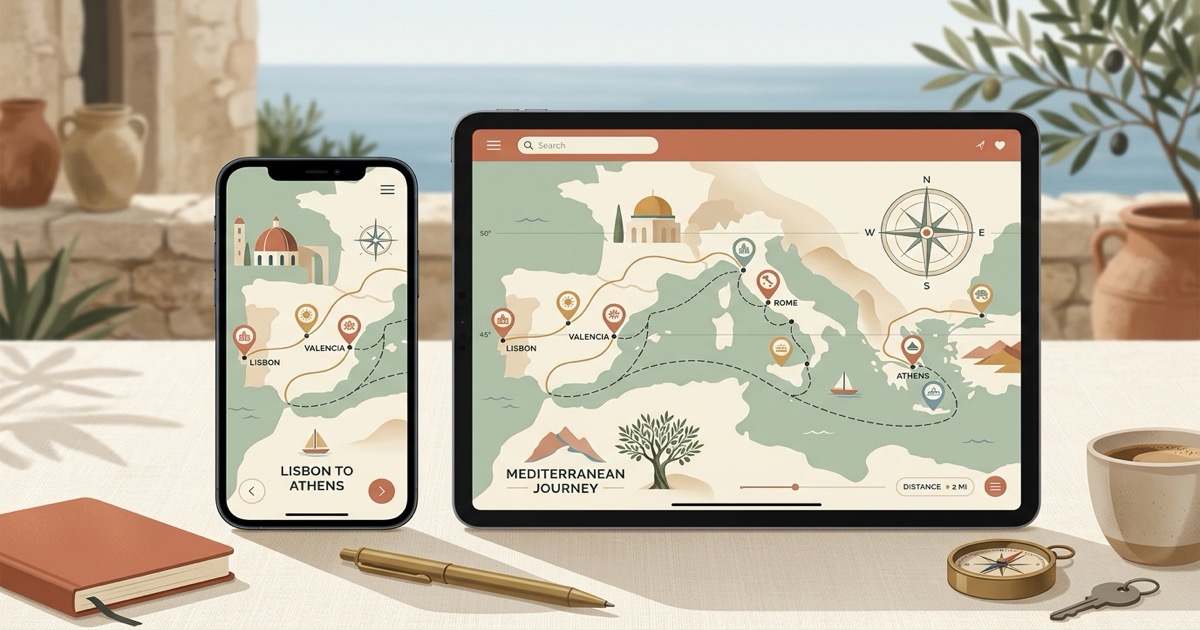
Social media is an endless stream of travel inspiration, from rooftop cocktail bars in Lisbon to secluded swimming coves in Mallorca. Platforms like Places ("Places: Shared Real-time Maps") appeared to help travelers bridge this inspiration gap by allowing users to paste links from Instagram Reels, TikTok, and travel websites onto collaborative map pinboards. Yet while pinning spots on a digital map is an enjoyable first step, converting dozens of saved video clips into a realistic, efficient vacation schedule presents very different hurdles. Unsequenced pinboards without walking pacing, paywalled map exports, and lack of one-tap Google Maps day routing frequently leave travelers doing hours of manual scheduling.
What is Places (places.is)?
Places (available at places.is) is a collaborative mapping application on the web, iOS, and Android that converts links from Instagram Reels, TikTok, and travel articles into interactive map pins. It allows users to drop pins onto shared canvas boards, add custom notes and photos, and invite travel companions to view or edit lists together.
The platform is designed around collaborative discovery and crowdsourced lists. Travelers can categorize pins by city, tag locations with colors, and build visual collections of places they hope to visit. While Places excels at creating interactive, shared map bookmarks across diverse web sources, it functions fundamentally as a spatial pinboard rather than an automated itinerary generator that calculates transit pacing, organizes venues by neighborhood, or sequences your days.
Why do travelers look for a Places alternative?
Travelers look for a Places alternative because the app organizes spots as flat, unsequenced map pins rather than structured daily itineraries with walking pacing and neighborhood clustering. Furthermore, it gates map exports behind a paid Pro subscription, requires account registration, and does not provide one-tap multi-stop Google Maps navigation routes.
When turning saved travel clips into an actual vacation, relying on a static pinboard introduces several logistical roadblocks:
- Flat pin collections instead of structured daily schedules: Places plots recommendations as static markers across a map canvas. It does not calculate walking distances, account for opening hours, or separate forty spots into balanced morning and afternoon itineraries. Travelers are left manually deciding which sights to bundle together to avoid crisscrossing town.
- Subscription paywalls for map exports (Pro tier): While basic link pinning is free, Places reserves power features—including exporting your saved maps to CSV, PDF, or KML formats—for paid "Pro" subscribers. Planners who want to take their data into external mapping software or keep offline backups encounter recurring paywalls.
- Missing one-tap Google Maps turn-by-turn route export: When exploring a new city on foot, switching back and forth between a browser pinboard and navigation apps adds unnecessary friction. Places does not generate pre-sequenced, multi-stop Google Maps routes for each day of your vacation.
- Account creation and collaborative setup friction: To create maps, save custom views, or manage boards with friends, Places requires account sign-ups and onboarding flows. Travelers seeking a quick, zero-friction tool to turn ten saved reels into a map find this setup cumbersome.
- Generic link parsing across multiple platforms: Because Places attempts to parse everything from TikTok to text blogs, its extraction engine can sometimes pull broad city coordinates or miss hyper-local venue names embedded in creator reel captions, voiceovers, and visual text.
How does Reel to Trip compare to Places?
Reel to Trip runs in a web browser and groups saved venues by neighborhood into multi-day walking itineraries with Google Maps export. Free plan: 1 trip, up to 5 reels; unlimited trips and reels: $5 one-time upgrade (no recurring subscription)
Here is how the two approaches compare when turning social discovery into an actionable vacation:
- True multi-day itinerary generation: Instead of displaying a chaotic sea of pins, Reel to Trip evaluates travel distances and clusters geographically adjacent sights into distinct daily plans. Day 1 focuses on one historic district, while Day 2 covers another neighborhood across the river.
- Free plan and upgrade: Free plan: 1 trip, up to 5 reels; unlimited trips and reels: $5 one-time upgrade (no recurring subscription)
- One-tap Google Maps navigation: Each generated day features a direct Google Maps export button. Tapping it opens your complete, sequenced route directly inside the Google Maps app on your phone, ready for turn-by-turn walking or transit directions.
- Browser-native simplicity: Reel to Trip works instantly in Safari, Chrome, or any mobile or desktop browser without forcing you to download an app or register an account.
- Multi-reel merging: Forward or paste fifteen different reels from different creators about Rome, and Reel to Trip combines them all into a single, deduplicated master itinerary for the city.
How to turn saved Instagram reels into a trip itinerary for free
To turn saved Instagram reels into a trip itinerary for free, paste your reel links into Reel to Trip or forward them via Instagram DM to @reeltripper. The AI engine automatically extracts the venues, clusters nearby spots by neighborhood into a day-by-day vacation schedule, and lets you export the route directly to Google Maps in one tap.
Here is the exact step-by-step workflow:
- Copy your saved reel links: Open your saved travel folder on Instagram, select the reels showcasing spots you want to visit, tap Share, and select "Copy link".
- Paste links into Reel to Trip: Visit Reel to Trip in your web browser and paste the links into the planner box, or forward them via DM to @reeltripper on Instagram.
- Receive your clustered itinerary: The extraction engine parses creator captions, on-screen text, audio, and geotags to pinpoint each venue, automatically grouping close attractions into walkable daily schedules.
- Launch routes in Google Maps: Review your daily schedule, adjust stops if desired, and click the Google Maps export button to navigate your trip with live GPS directions.
Which tool should you choose?
Choose Places (places.is) if you want a visual, real-time collaborative pinboard to crowdsource links from TikTok, blogs, and friends onto a shared canvas map. Choose Reel to Trip if you want a browser-native planner with a limited free plan and a one-time upgrade, neighborhood-based daily itineraries, and Google Maps export.
To explore more strategies for converting social media discovery into actionable vacation schedules, read our foundational guide on how to turn Instagram reels into a trip itinerary, check out our comprehensive category review of tools that turn reels into trips, compared, or see how Reel to Trip compares to other travel tools in a free alternative to TripMemo, a free alternative to Tint, a free alternative to Rhyme, a free alternative to Klad, a free alternative to Tabi, a free alternative to Clipmap, a free alternative to TravelTreasure, a free alternative to Plany, a free alternative to Dreamfare, a free alternative to the Wander travel app, and a free alternative to the Wingman travel app.