A free alternative to Clipmap
Clipmap caps free reel saves and requires an app. Here is how Reel to Trip offers free, browser-based itinerary planning with Google Maps export.
By The Reel to Trip team
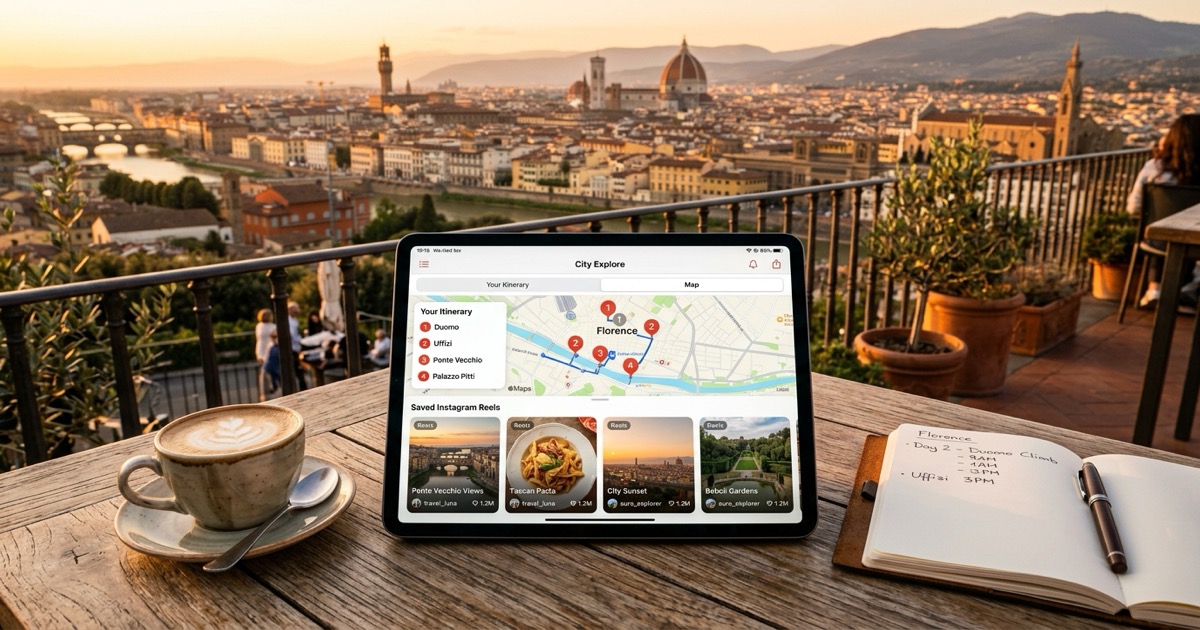
Scrolling through Instagram reveals endless travel inspiration: hidden rooftop spritzes, historic neighborhood trattorias, and panoramic cliffside vistas. Tools like Clipmap ("Clipmap: Save Reels to Map") emerged to help travelers capture those recommendations onto a mobile map. But when turning a collection of clips into a real vacation, travelers frequently run into monthly save caps, subscription paywalls, and the friction of managing another mobile app.
What is Clipmap?
Clipmap is a mobile travel app for iOS and Android designed to save Instagram reels and map the places featured in them. By sharing video links through the phone's native share sheet, users can extract venue names, pin them to an interactive map, and sort them into custom trip categories like food, sights, or nightlife.
The application keeps the source reel attached to each pin so you can rewatch why a spot caught your eye. While Clipmap makes bookmarking individual clips simple, its free tier restricts how many reels and custom lists you can save before prompting for a paid Pro subscription, and its output is centered on flat pinboards rather than day-by-day vacation planning.
Why do travelers look for a Clipmap alternative?
Travelers look for a Clipmap alternative primarily because the app restricts free reel saves behind a paid Pro subscription and requires installing dedicated mobile software. In addition, Clipmap functions as a static pin collector rather than organizing your saved spots into walkable, neighborhood-clustered daily itineraries.
A weekend getaway often involves dozens of saved videos across breakfast spots, viewpoints, and evening dinners. Vacationers frequently encounter several practical hurdles when relying on Clipmap:
- Freemium save caps: Clipmap limits the number of reel extractions and lists available on its free tier. Once you hit the ceiling, you must upgrade to a recurring Pro subscription to keep saving new travel recommendations.
- App store install friction: Using Clipmap requires downloading an app from the App Store or Google Play Store and creating an account. If your phone storage is tight or you prefer planning on a desktop laptop, you cannot access an open web interface.
- Pins without daily pacing: Dropping twenty pins across a metropolitan area creates an unorganized visual map. Clipmap does not sequence spots into morning and afternoon routes, cluster adjacent neighborhoods, or calculate realistic daily transit times.
- Friction when collaborating with friends: Sharing a trip map requires your travel companions to install the same mobile application and create their own accounts, complicating casual group planning.
- No automatic multi-reel itinerary merge: Saving multiple reels for the same city produces individual pins or category tags, but does not assemble them into a cohesive multi-day vacation schedule.
How does Reel to Trip compare to Clipmap?
Reel to Trip requires no app downloads and turns places from Instagram reels into neighborhood-based daily itineraries in a web browser, with Google Maps export. Free plan: 1 trip, up to 5 reels; unlimited trips and reels: $5 one-time upgrade (no recurring subscription)
Here is how the two approaches compare across core planning needs:
- Reel imports: Free plan: 1 trip, up to 5 reels; unlimited trips and reels: $5 one-time upgrade (no recurring subscription)
- Instant web access without downloads: Reel to Trip operates natively in mobile Safari, Chrome, and desktop browsers. You can paste reel links directly into the planner or forward them to @reeltripper on Instagram without installing third-party apps.
- Smart neighborhood clustering: Rather than leaving you with a tangled cloud of pins, Reel to Trip groups nearby venues by neighborhood. This groups your morning espresso, museum visits, and lunch into walkable districts, preventing hours wasted in transit.
- Day-by-day scheduling: Reel to Trip assigns realistic daily pacing, ensuring your schedule balances sightseeing with downtime instead of overwhelming you with a single unorganized pinboard.
- One-tap Google Maps export: Take your finalized itinerary directly into Google Maps on your phone for reliable offline navigation and walking directions while traveling.
- Zero commercial booking steering: Reel to Trip is booking-neutral, curating routes purely from your saved creator content without redirecting you to sponsored hotel funnels.
How do you turn saved travel reels into a trip itinerary for free?
To turn saved travel reels into a free trip itinerary, copy the reel URLs from your Instagram saved collections and paste them into Reel to Trip, or forward them directly via direct message to @reeltripper. The platform extracts every venue, clusters adjacent stops into logical morning and afternoon blocks, and builds a unified interactive map.
You can transform your backlog of Instagram reels into an actionable holiday schedule in four simple steps:
- Collect your travel reels: Open Instagram and navigate to your saved collection for your upcoming destination. Tap the share icon on each reel and copy the link.
- Paste links into Reel to Trip: Visit Reel to Trip in your browser and submit your reel links, or message them directly to @reeltripper on Instagram.
- Review your neighborhood clusters: The system reads captions, hashtags, and on-screen visuals to identify each location, automatically grouping geographically close venues into balanced daily itineraries.
- Export to Google Maps: Review your daily route, adjust stops if needed, and export the entire itinerary directly to Google Maps for effortless walking navigation during your journey.
Which tool should you choose?
If you want a mobile-only bookmarking tool to save a small handful of video clips into categorized lists on your phone, Clipmap provides a clean mobile interface. Reel to Trip offers neighborhood-based daily itineraries and Google Maps export without an app download, with a limited free plan and a one-time upgrade for unlimited imports.
For a deeper look into the category, read our complete guide on how to turn Instagram reels into a trip itinerary, explore our comparison of tools that turn reels into trips, or see how Reel to Trip compares to other travel tools like Tabi, TravelTreasure, Plany, Dreamfare, Wander, and Wingman.