A free alternative to Pintra
Pintra turns reels into map pins via an iOS app. Here is how Reel to Trip builds free, walkable multi-day itineraries on any device with Google Maps export.
By The Reel to Trip team
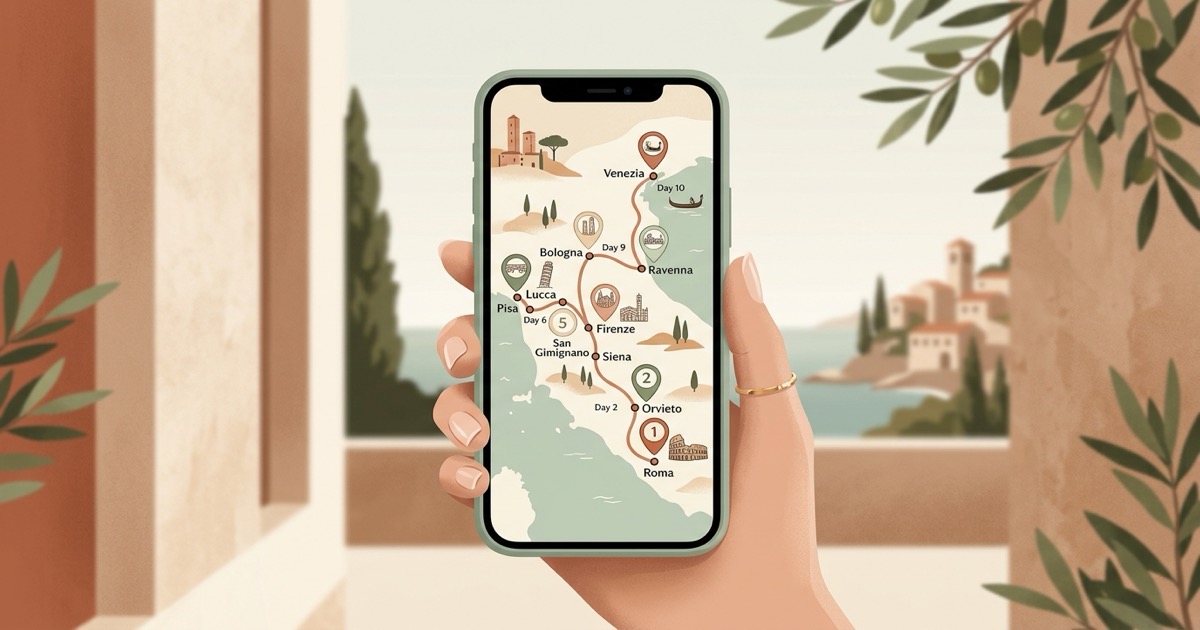
Scrolling through travel videos on Instagram is one of the most effective ways to discover secluded coastal viewpoints, hidden trattorias, and charming boutique stays. Emerging apps like Pintra ("Pintra: Save Reels to Map") have sought to capture this inspiration by letting iPhone users share links from Instagram Reels, TikTok, and RedNote directly into an iOS map pinboard. Yet while collecting map pins from video feeds solves the initial bookmarking hurdle, converting dozens of scattered clips into an actionable, stress-free vacation itinerary requires a far more cohesive planning engine. Mobile-only barriers, flat pinboard scatter, missing one-tap multi-stop Google Maps routes, and recurring in-app subscription paywalls often leave travelers doing extensive manual legwork before their trip begins.
What is Pintra?
Pintra (available at pintra.app and on the Apple App Store) is an iOS mobile travel mapping application that converts video links from Instagram Reels, TikTok, and RedNote (Xiaohongshu) into map pins. By sharing videos through the iOS share sheet, the app extracts venue names and coordinates, plots them onto an interactive map, and displays travel times between stops alongside local weather forecasts.
The application is built around quick social media clipping. When you stumble upon an appealing coffee bar or rooftop viewpoint while browsing reels, you share the link to Pintra, and its detection engine adds a marker to your personal map. While Pintra offers a convenient visual bucket list for iPhone owners, it operates primarily as an individual map pin collector rather than an automated itinerary builder that sequences multi-day schedules, clusters spots by neighborhood, or coordinates routes for non-iOS travel companions.
Why do travelers look for a Pintra alternative?
Travelers look for a Pintra alternative because the app is restricted exclusively to iOS devices with no web or desktop access, requires downloading a native mobile app, and organizes venues as flat map pins rather than sequenced daily itineraries. Additionally, it lacks one-tap multi-stop Google Maps route navigation and gates advanced features behind subscription paywalls.
When attempting to transform months of saved social media clips into a seamless real-world vacation, relying on a mobile pinboard creates several practical frustrations:
- iOS-exclusive platform restriction: Pintra exists solely as an Apple App Store download. There is no web interface for planning on a laptop or desktop screen, and travel partners using Android smartphones are entirely excluded from viewing or managing the trip map.
- Flat map pin scatter instead of structured daily schedules: Pintra places places onto a map canvas, but it does not organize thirty saved venues into cohesive morning, afternoon, and evening schedules. Travelers are left manually deciding which sights belong on which day to prevent exhausting cross-town transit.
- Missing one-tap multi-stop Google Maps navigation: While navigating abroad, switching between a custom travel app and native GPS navigation adds constant friction. Pintra does not provide a direct one-tap export that loads an entire day's walking route into the official Google Maps app with turn-by-turn guidance.
- Subscription paywalls and usage restrictions: While downloading the app is free, extended usage and advanced organization features require recurring in-app purchase subscriptions. Budget-conscious travelers frequently encounter paywalls after saving their first handful of destination videos.
- Group collaboration barriers: If your travel group includes friends on Android or partners who prefer reviewing reservations and schedules on a large computer screen, Pintra's iOS-only ecosystem forces everyone onto small phone screens and leaves non-iPhone friends completely out of the loop.
- Multi-reel folder chaos: Travel research rarely comes from a single clip. When you save twenty reels across different neighborhoods in Rome or Tokyo, organizing and deduplicating those recommendations inside a mobile-only interface quickly becomes tedious.
How does Reel to Trip compare to Pintra?
Reel to Trip runs in desktop, Android, and iOS browsers without an app download, grouping saved venues by neighborhood into daily walking itineraries with Google Maps export. Free plan: 1 trip, up to 5 reels; unlimited trips and reels: $5 one-time upgrade (no recurring subscription)
Here is how Reel to Trip delivers a superior vacation planning experience:
- Universal browser-native accessibility: Plan seamlessly on your MacBook, Windows laptop, iPad, Android phone, or iPhone. Reel to Trip works in any standard web browser without demanding App Store storage or account setup.
- Automated neighborhood clustering and daily pacing: Instead of a confusing cloud of pins across the city, Reel to Trip calculates walking distances and groups geographically proximate spots together. Day 1 keeps you within the historic core, while Day 2 explores the vibrant arts district across town.
- Free plan and upgrade: Free plan: 1 trip, up to 5 reels; unlimited trips and reels: $5 one-time upgrade (no recurring subscription)
- One-tap Google Maps route export: Every generated day includes an instant Google Maps export button. Tapping it opens a ready-to-walk, multi-stop route directly in your Google Maps app for effortless turn-by-turn navigation on the street.
- Comprehensive multi-reel merging: Paste or forward multiple reels from different creators, and Reel to Trip synthesizes them into a single, cohesive, deduplicated travel plan organized by city and day.
How to turn saved Instagram reels into a trip itinerary for free
To turn saved Instagram reels into a trip itinerary for free, copy your saved reel links and paste them into Reel to Trip or forward them via direct message to @reeltripper on Instagram. The extraction engine pinpoints every venue, clusters nearby spots into a walkable daily schedule, and exports your complete route to Google Maps in one tap.
Follow these four simple steps to turn your inspiration into reality:
- Gather your saved reels: In the Instagram app, open your saved travel collection, tap the share icon on the reels featuring spots you want to visit, and choose "Copy link".
- Submit to Reel to Trip: Open Reel to Trip in your browser and paste your links into the planner box, or forward them directly via DM to @reeltripper on Instagram.
- Receive your structured itinerary: Reel to Trip's AI extracts the venue names from video captions, audio mentions, on-screen text, and geotags, arranging them into balanced neighborhood clusters by day.
- Navigate with Google Maps: Review your daily stops, refine pacing if desired, and click the Google Maps export link to launch your live walking or transit navigation.
Which tool should you choose?
Choose Pintra if you want an iOS-exclusive mobile app to bookmark social media clips across Instagram, TikTok, and RedNote onto a personal phone map pinboard. Choose Reel to Trip if you want a browser-native planner with a limited free plan and a one-time upgrade, neighborhood clustering, and Google Maps export.
To discover more actionable strategies for turning social media discovery into real-world travel plans, read our foundational guide on how to turn Instagram reels into a trip itinerary, explore our complete category review of tools that turn reels into trips, compared, or see how Reel to Trip compares to other travel tools in a free alternative to Stashr AI, a free alternative to Feedtrip (feedtrip.app), a free alternative to Places (places.is), a free alternative to TripMemo, a free alternative to Tint, a free alternative to Rhyme, a free alternative to Klad, a free alternative to Tabi, a free alternative to Clipmap, a free alternative to TravelTreasure, a free alternative to Plany, a free alternative to Dreamfare, a free alternative to the Wander travel app, and a free alternative to the Wingman travel app.