Instagram Reel Photo Spot Finder: Locate Hidden Views
Find exact viewpoints, cafes, and photo spots shown in Instagram reels. Compare visual clues, reverse search, and automated reel-to-map spot finding.
By The Reel to Trip team
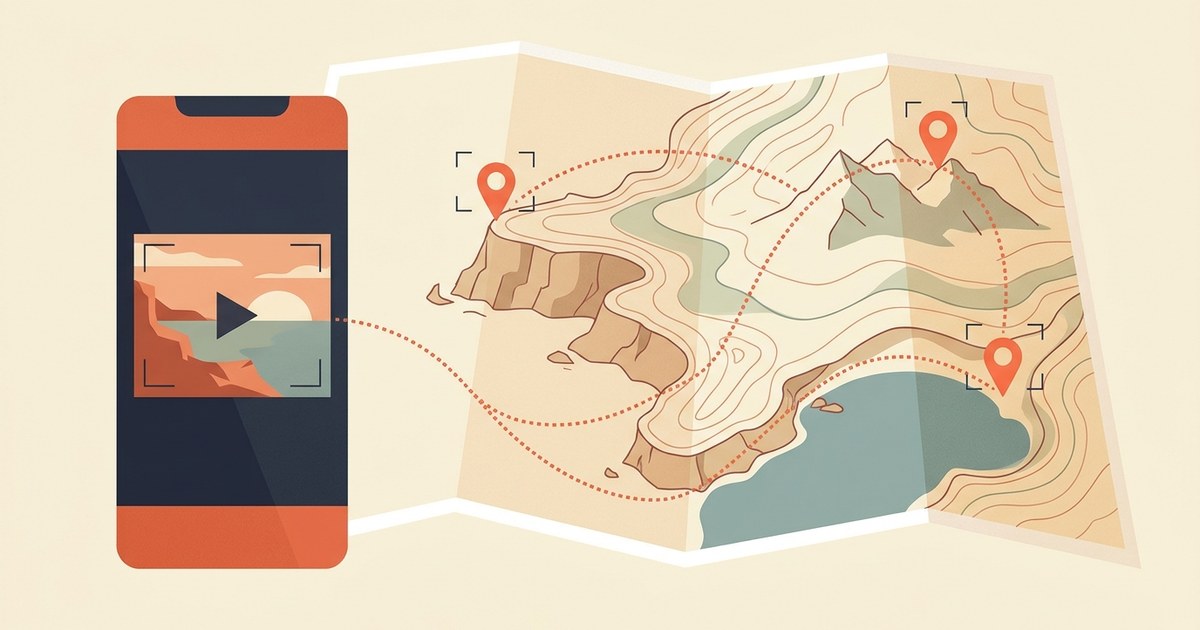
Scenic Instagram reels are engineered to make a cliffside overlook, quiet Kyoto alley, or sunlit bakery terrace look unforgettable—usually without dropping a street address. If you are scouting photography locations rather than generic tourist attractions, you do not just need a city name. You need the exact viewpoint pin, walking trailhead, or storefront so you arrive at the right angle and light window.
What is the best Instagram reel photo spot finder?
An automated Instagram reel photo spot finder reads a video's audio, on-screen text overlays, and captions simultaneously to pinpoint the exact cafe, beach cove, or scenic lookout on Google Maps. Manual reverse image searches work for famous monuments, while pasting links into Reel to Trip merges multiple scouting clips into one neighborhood map. Free plan: 1 trip, up to 5 reels; unlimited trips and reels: $5 one-time upgrade (no recurring subscription).
Why camera angles hide real photo coordinates
Telephoto lenses compress distant skylines, golden-hour color grading masks neighborhood cues, and creators routinely tag the broad region instead of the specific parking turnout or footbridge. Relying solely on Instagram's built-in location sticker often lands travelers miles away from the vantage point shown in frame.
How to find an unlabelled photo spot in four steps
When a reel hides its photography coordinates, combine fast manual visual checks with automated reel parsing before locking your daily itinerary:
- Freeze the widest establishing shot: Fast jump-cut reels usually include half a second of a storefront sign, harbor silhouette, or cliff contour. Pause on that frame rather than the zoomed-in portrait.
- Run Google Lens on architecture or coastline contours: Crop out people and sky so reverse image search locks onto stonework, tile patterns, bridge arches, or mountain ridges.
- Extract hidden names across the whole reel at once: Paste the reel URL into Reel to Trip or send it via Instagram DM to `@reeltripper` so the engine catches brief title cards and spoken hints automatically.
- Pin and group nearby shoots on Google Maps: Cluster viewpoints and golden-hour terraces in the same neighborhood, then export your saved places to Google Maps for offline turn-by-turn walking access.
Visual detective work vs. full reel extraction
For a deeper five-signal detective breakdown on silent clips with zero captions, follow our checklist on how to find a place from an Instagram reel. Once you have collected five or ten location reels for a single destination, mapping them together turns isolated inspiration clips into a realistic golden-hour schedule—and content creators organizing larger shoot lists can review our Instagram trip planning tools for creators guide.