Instagram Trip Planning Tools for Creators & Bloggers
Compare tools for travel creators and bloggers to map saved Instagram reels, cluster shoot locations by neighborhood, and share clean route guides.
By The Reel to Trip team
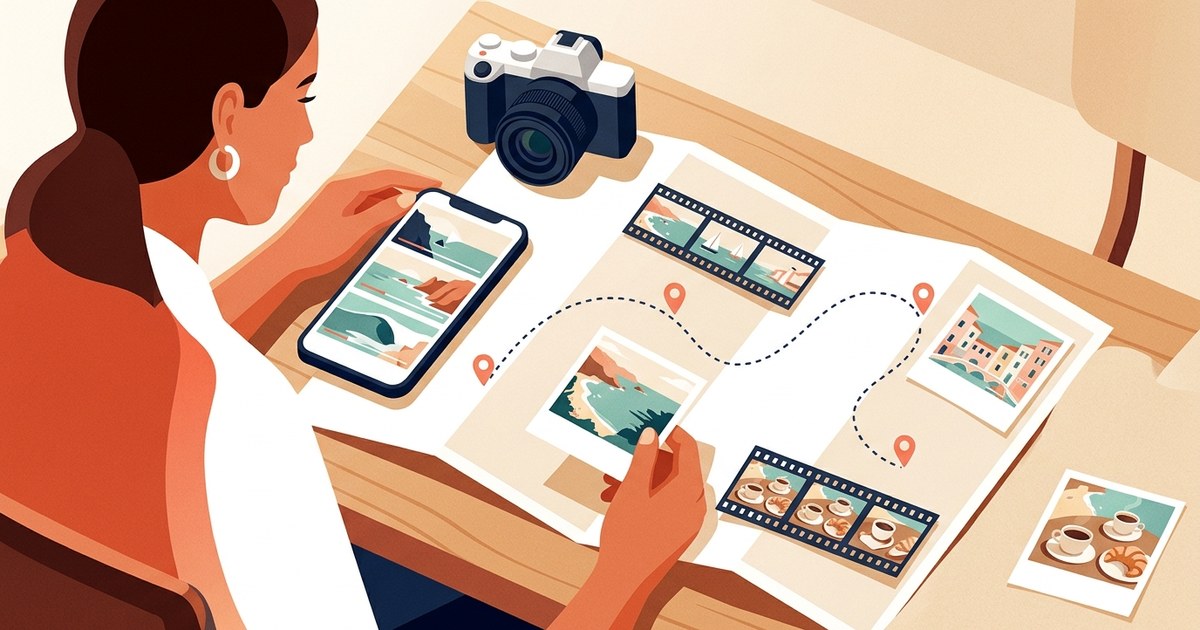
Travel content creators and bloggers use Instagram differently from casual vacationers. Before filming a destination series, creators inspect dozens of local reels to scout café lighting, boutique hotel lobbies, rooftop viewpoints, and transit times—then must keep those locations organized well enough to shoot efficiently on the ground and share clean itineraries with followers afterward.
What tools help creators plan trips from Instagram reels?
Tools like Reel to Trip, Google My Maps, and Map Your Voyage help content creators convert saved Instagram reels into mapped shoot schedules without manual spreadsheet entry. Reel to Trip extracts places directly from pasted reel links or `@reeltripper` DMs and groups stops into shareable neighborhood maps (Free plan: 1 trip, up to 5 reels; unlimited trips and reels: $5 one-time upgrade (no recurring subscription)).
Why creator scouting breaks standard trip apps
Traditional itinerary tools optimize for airline reservations or push commission-heavy booking widgets instead of helping creators batch-film nearby aesthetics in strict morning and golden-hour windows.
- Scattered scouting notes: Screenshots of cafes sit in your camera roll while saved reels sit buried in untitled collections, wasting taxi fares crossing cities between shoots.
- Booking-funnel bias: OTA-backed travel assistants steer routes toward sponsored hotel inventory rather than the specific indie bakeries and viewpoints you saved for camera framing.
- Reader & follower handoff friction: Followers constantly comment "drop the itinerary!" or "send the map" on travel reels, yet messy Google Docs links get ignored on mobile.
A 3-part creator workflow from scouting reels to audience maps
- Batch scouting reels by destination: Drop saved research reels into a city collection—or forward them straight to `@reeltripper` as you scroll—so every mentioned spot lands on one clean map.
- Sequence shoots by walking neighborhood: Group morning coffee spots, midday museum exteriors, and sunset lookouts within one walkable district before moving zones the next day. Need to pinpoint an unlabelled reel during scouting? Use an Instagram reel photo spot finder workflow.
- Share a clean interactive link or Google Maps export: Send followers a live mapped itinerary link from Reel to Trip, or export stops to Google Maps and follow our playbook on sharing saved Instagram places with collaborators.
Comparing creator-friendly mapping options
If you need deep custom layer icons for a desktop blog embed, Google My Maps pairs well alongside automated extraction. For fast browser-based reel consolidation with zero recurring SaaS overhead, compare our full reel-to-trip tools comparison or check our dedicated app comparison matrix.